-20%
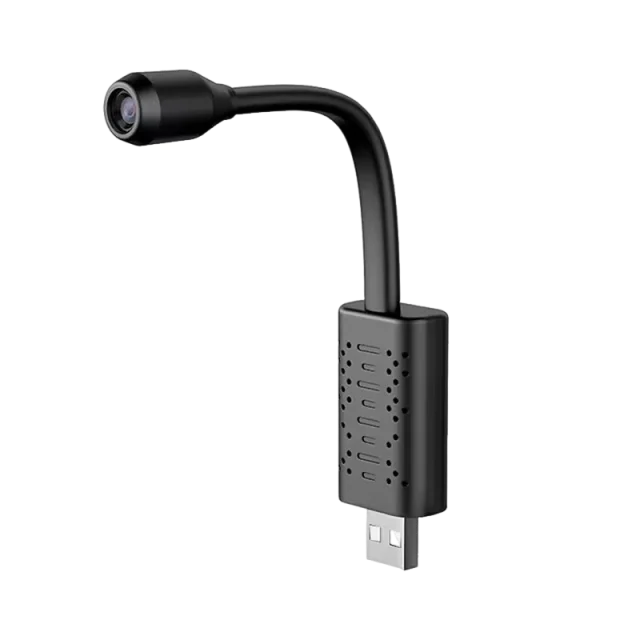
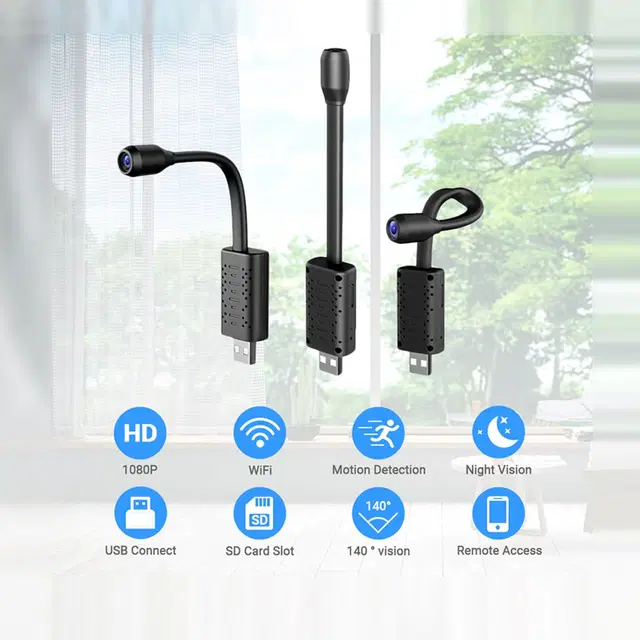
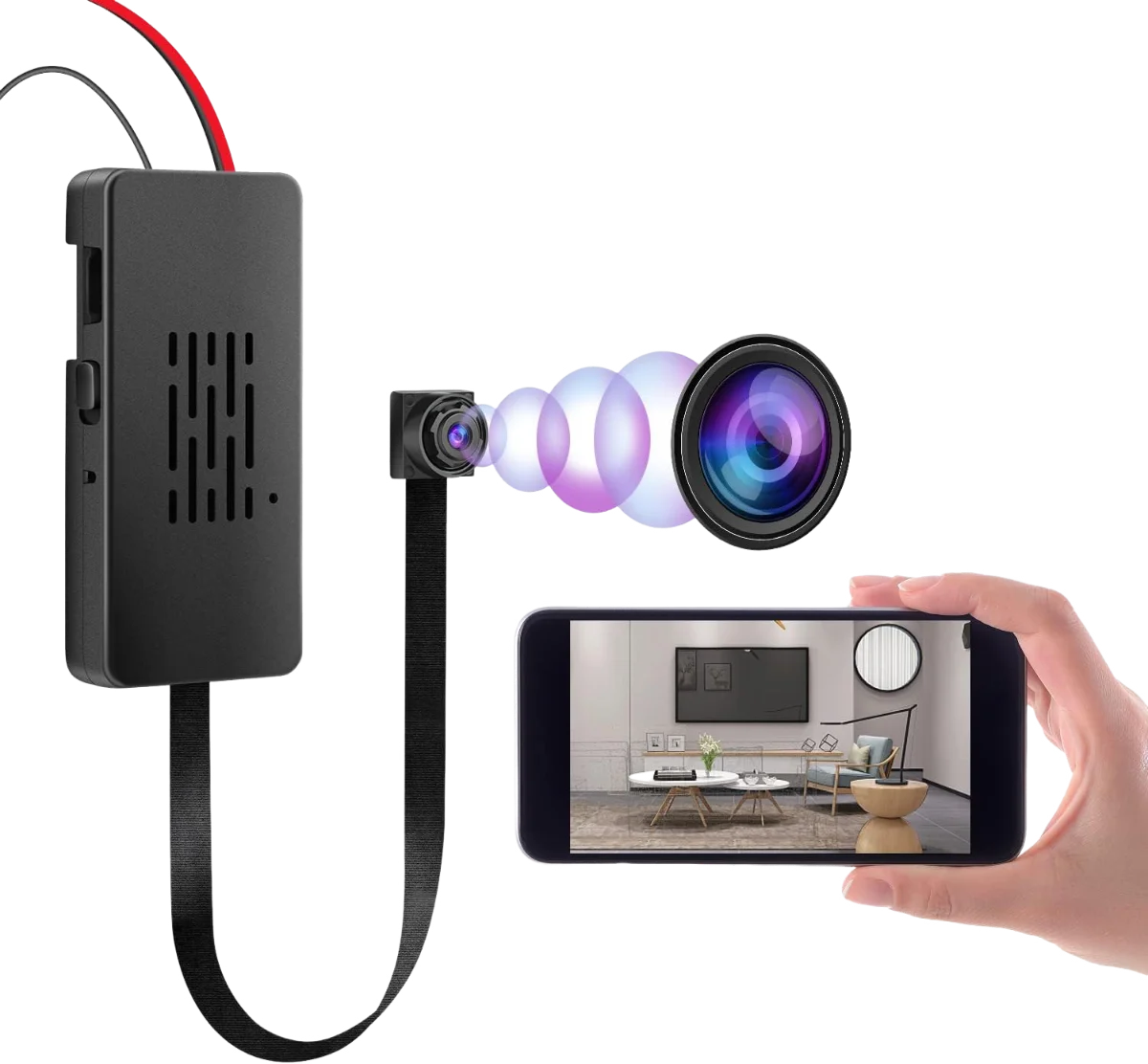
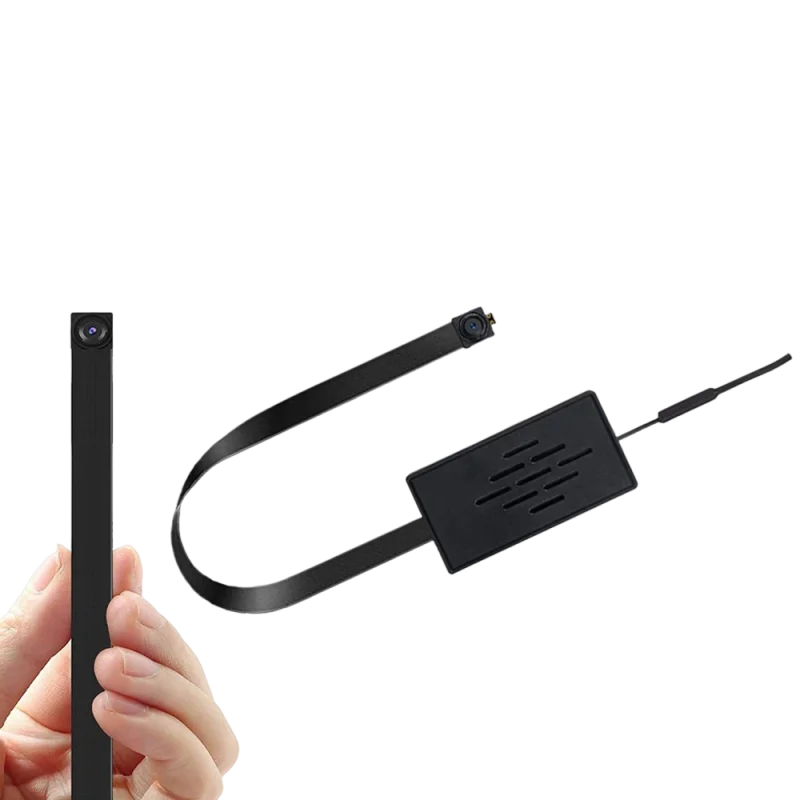
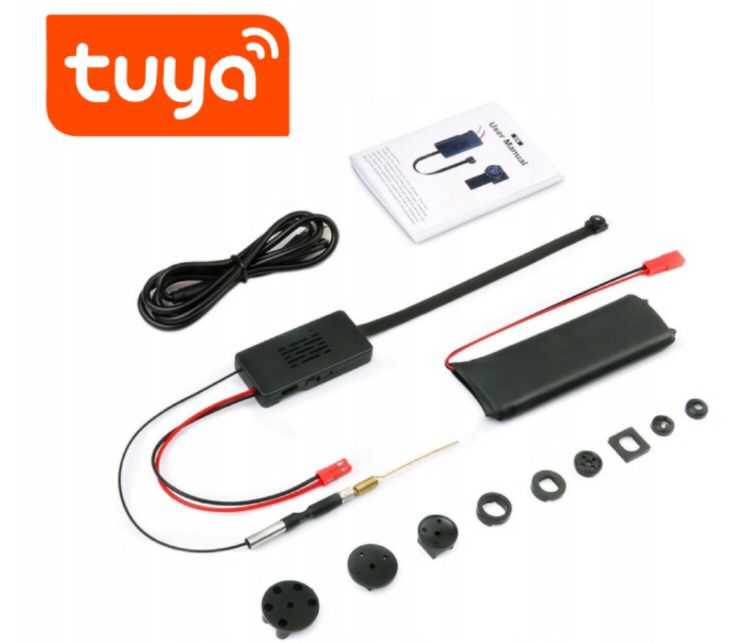
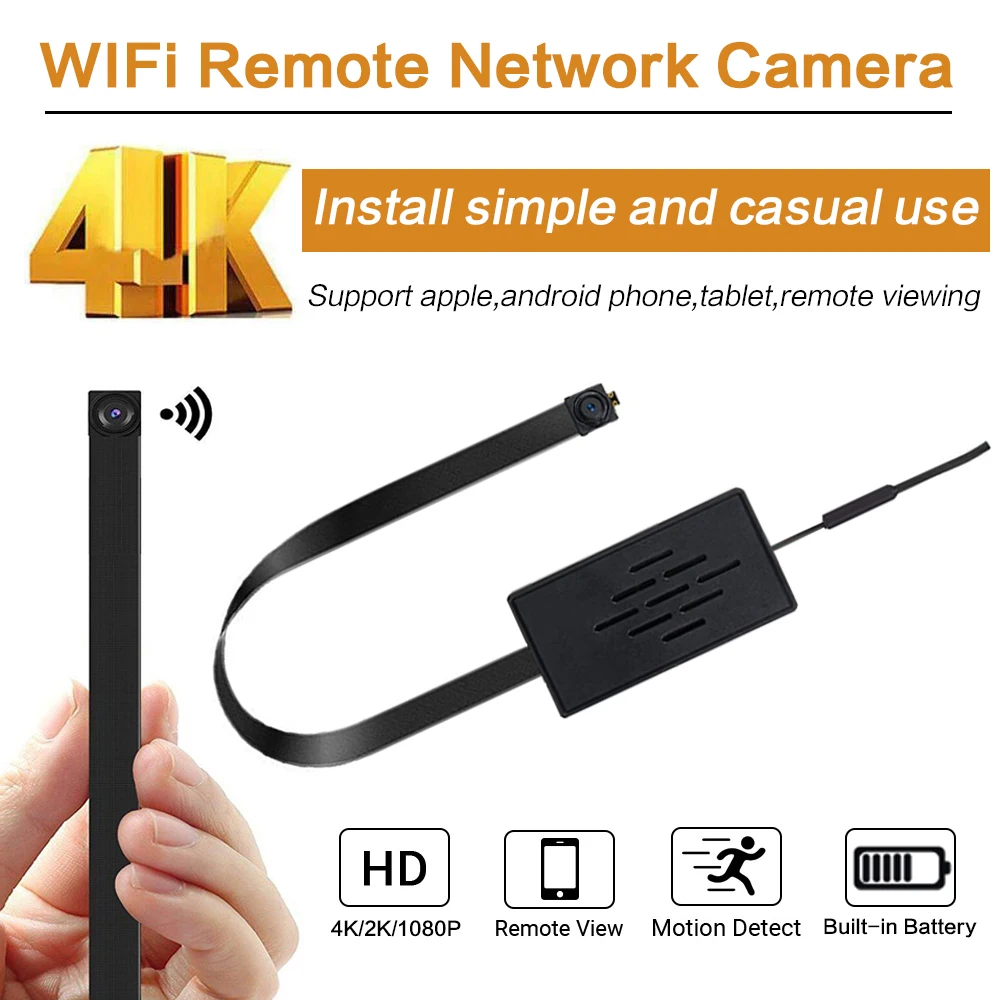
4mm Ultra-Thin Lens Camera
£80£100
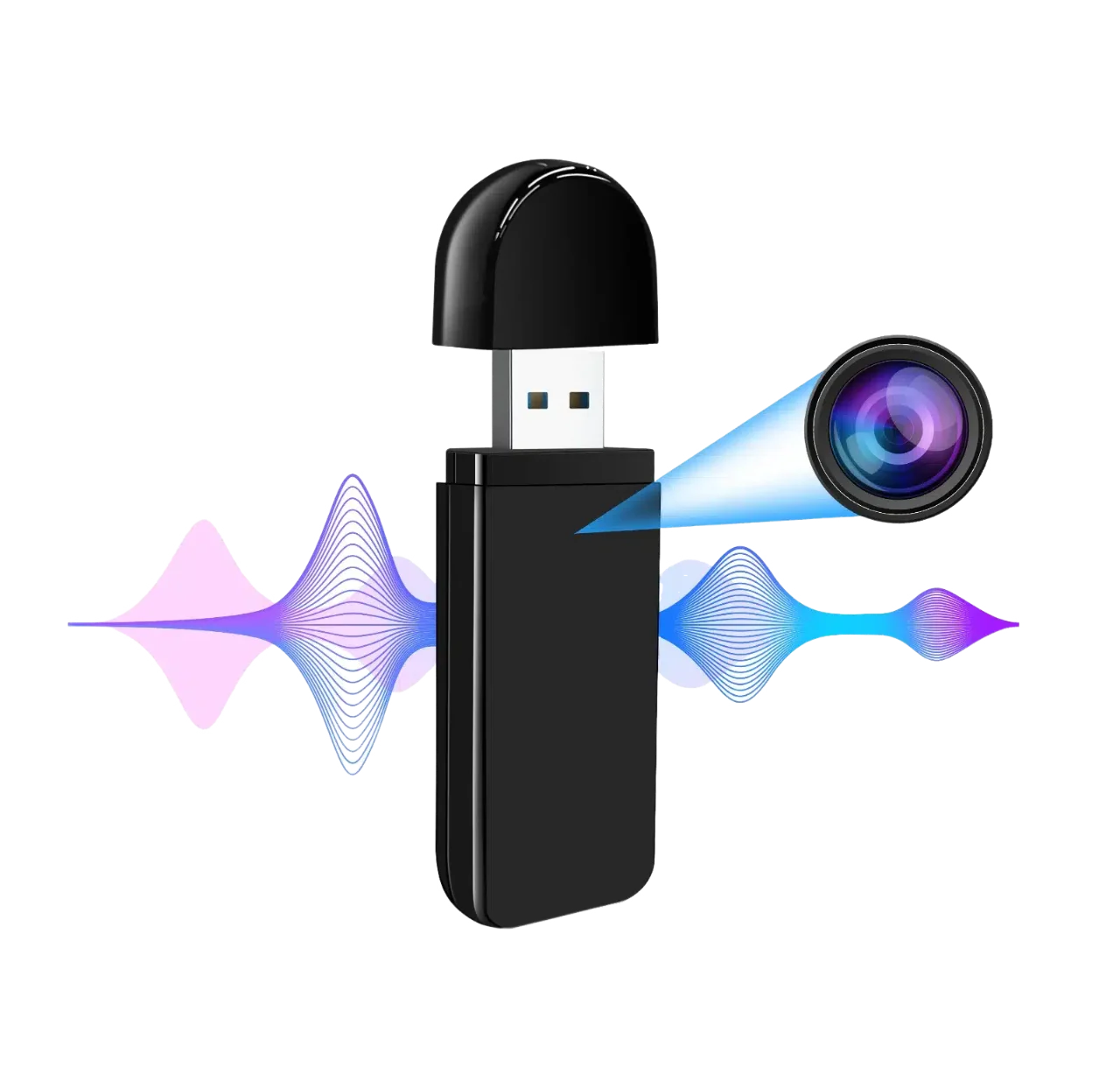
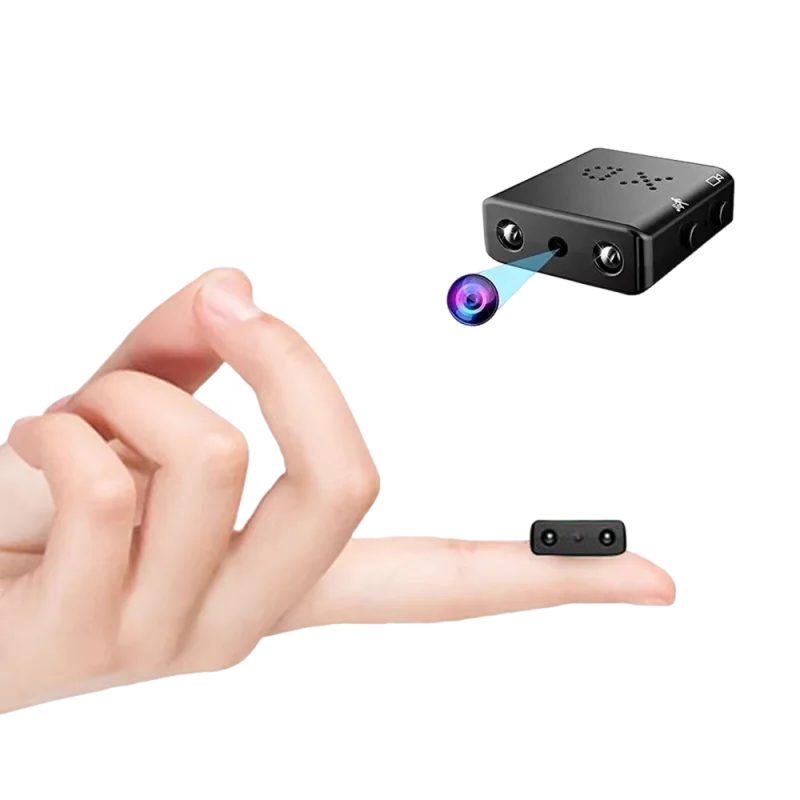
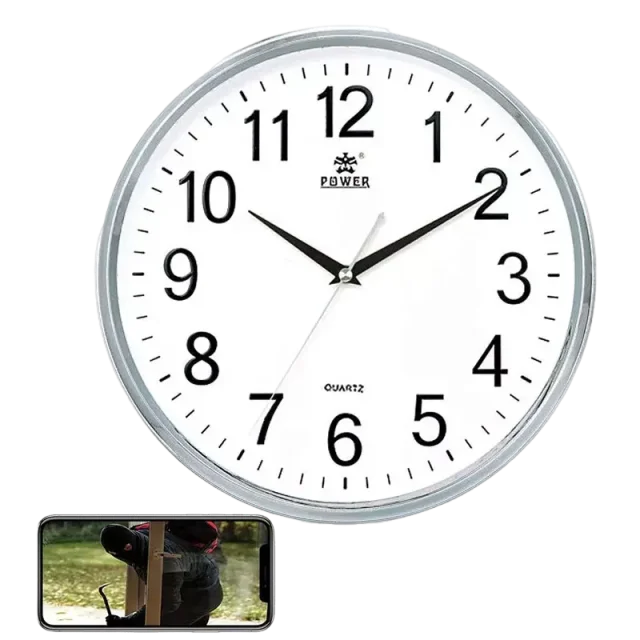
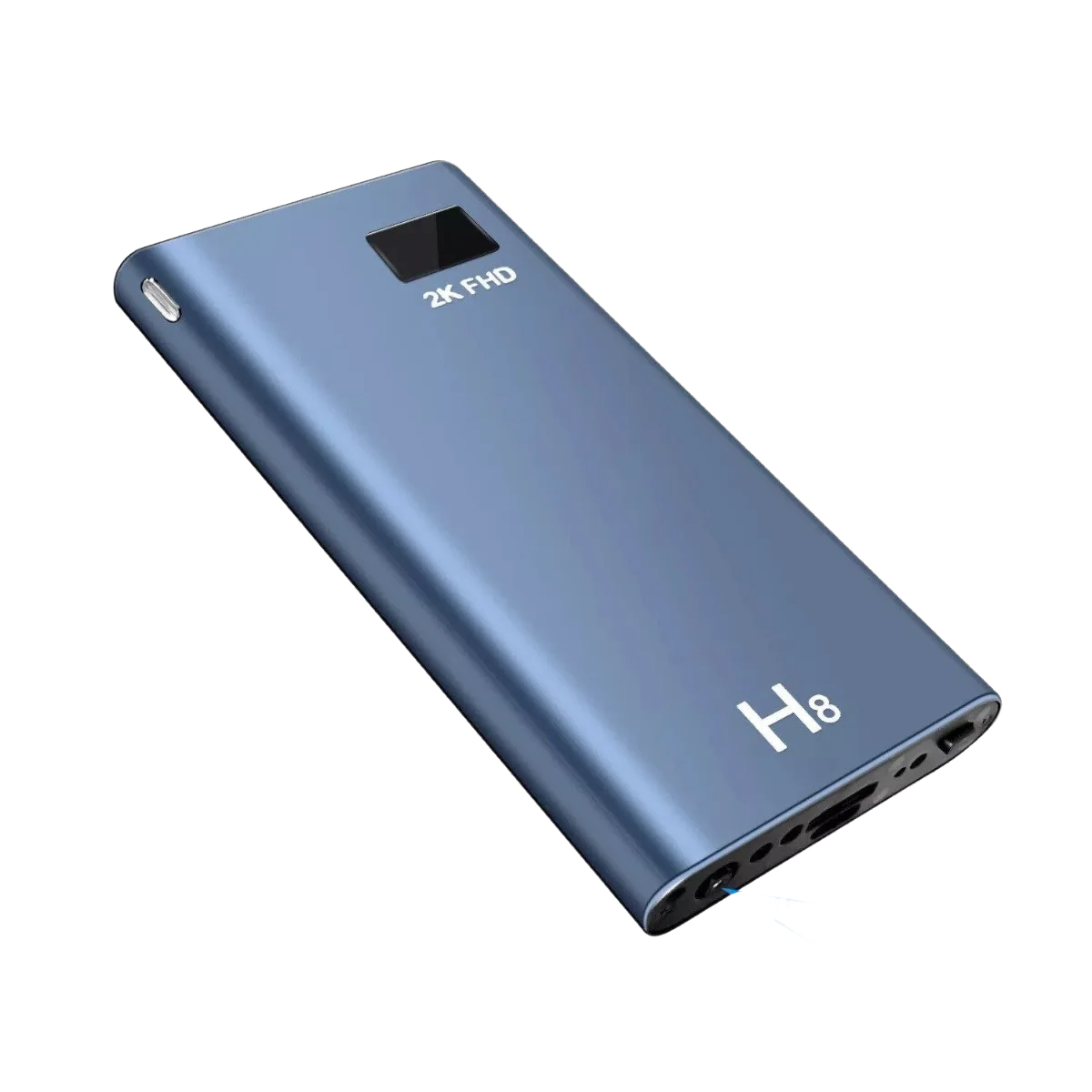
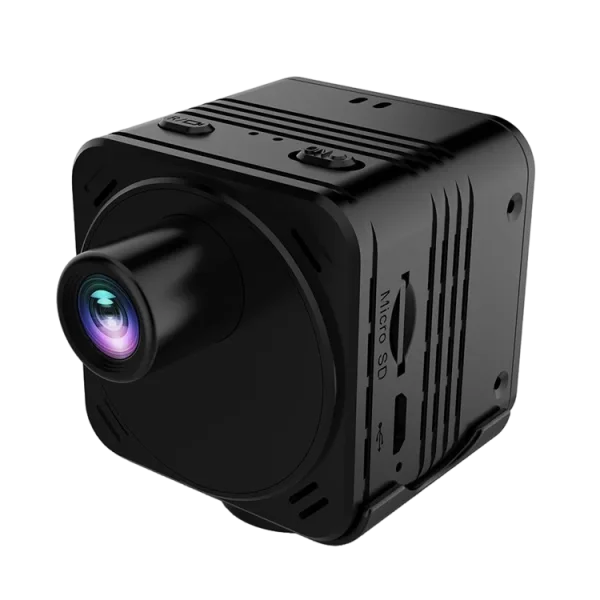
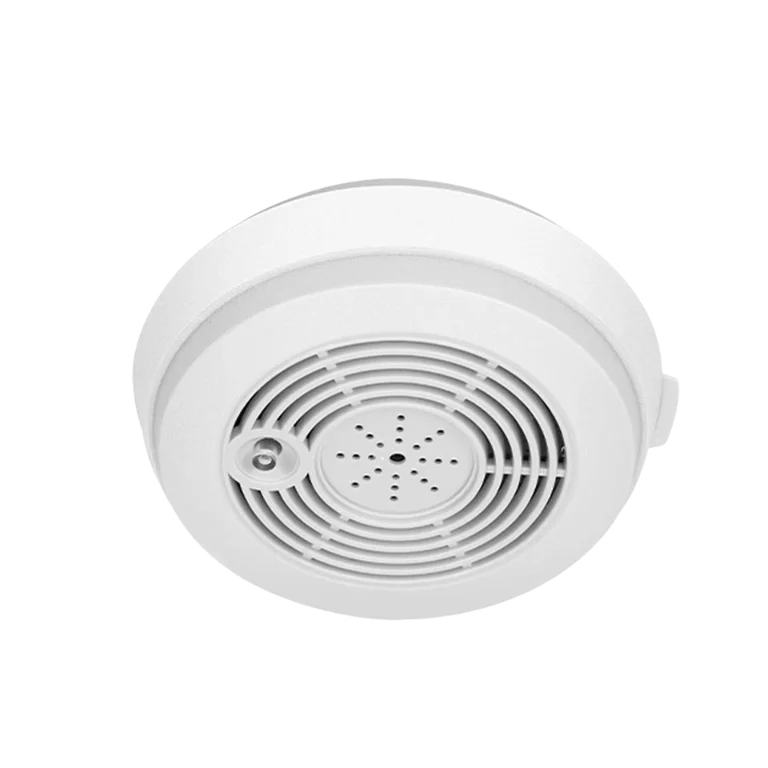
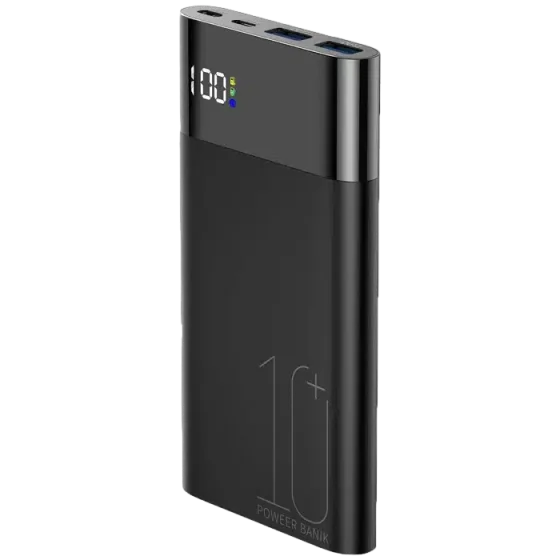
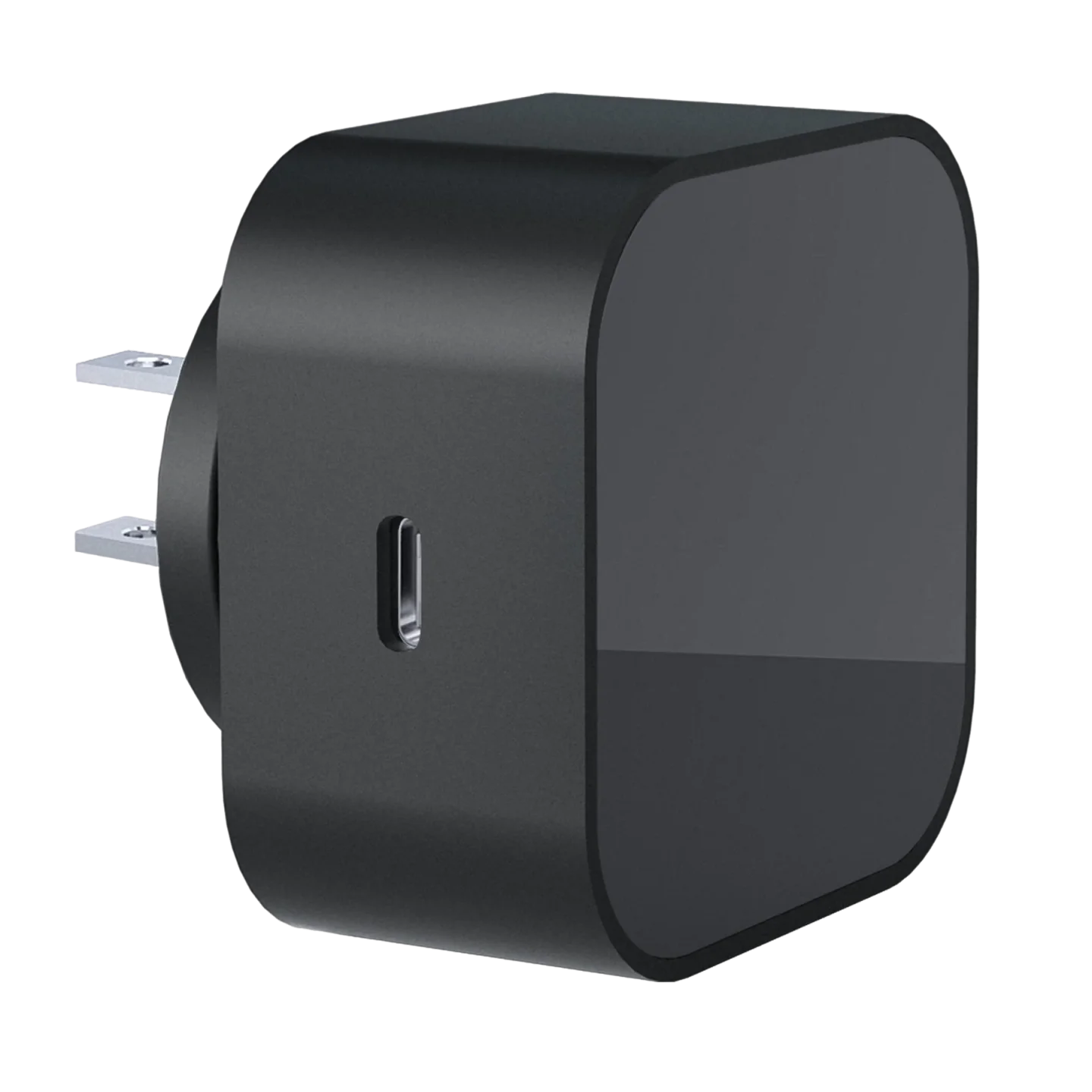
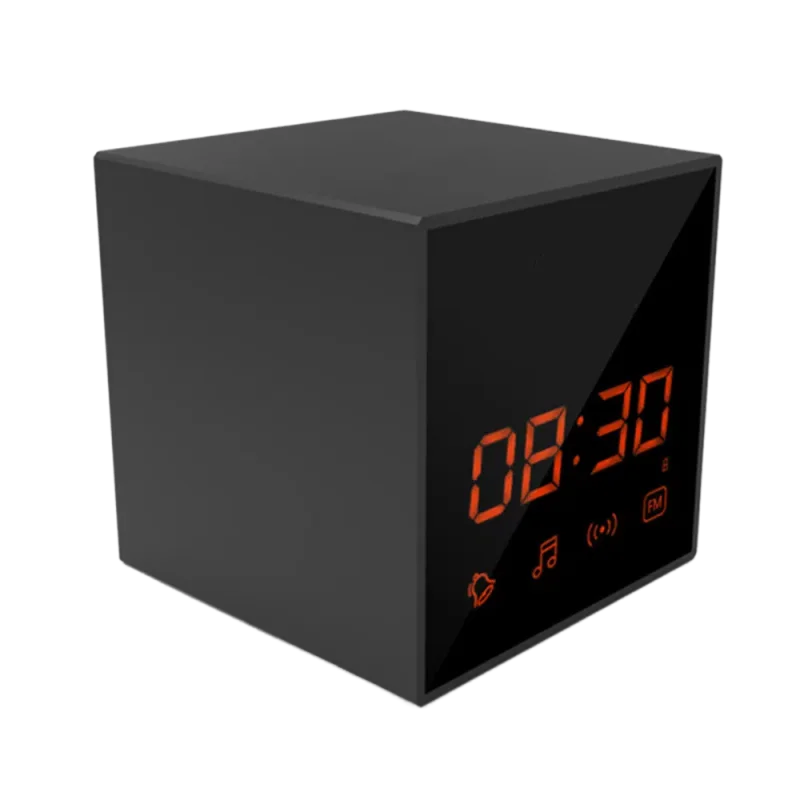
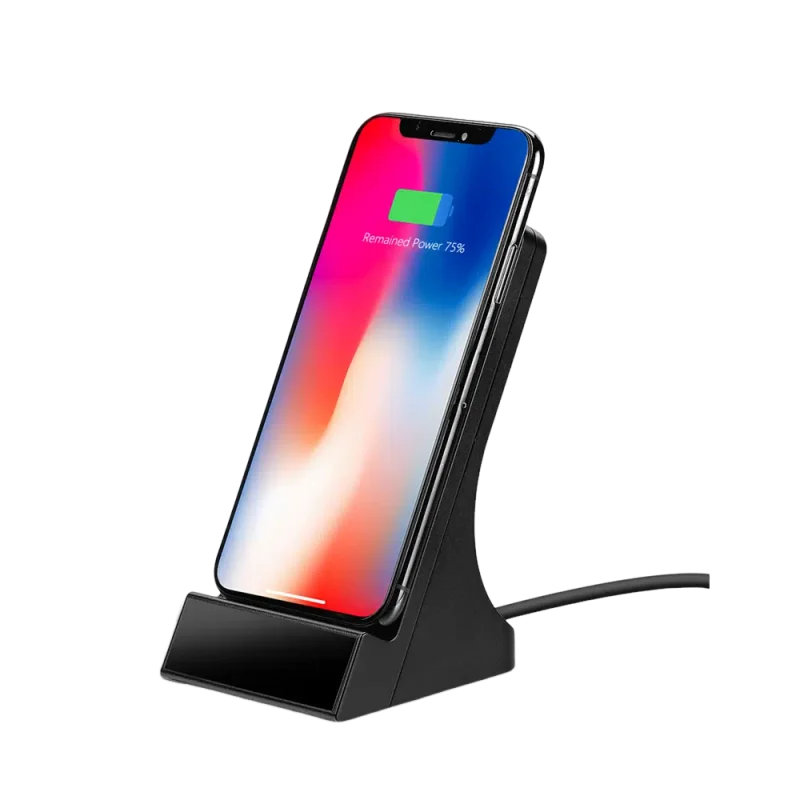
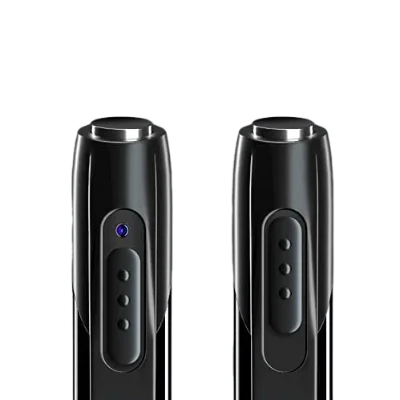
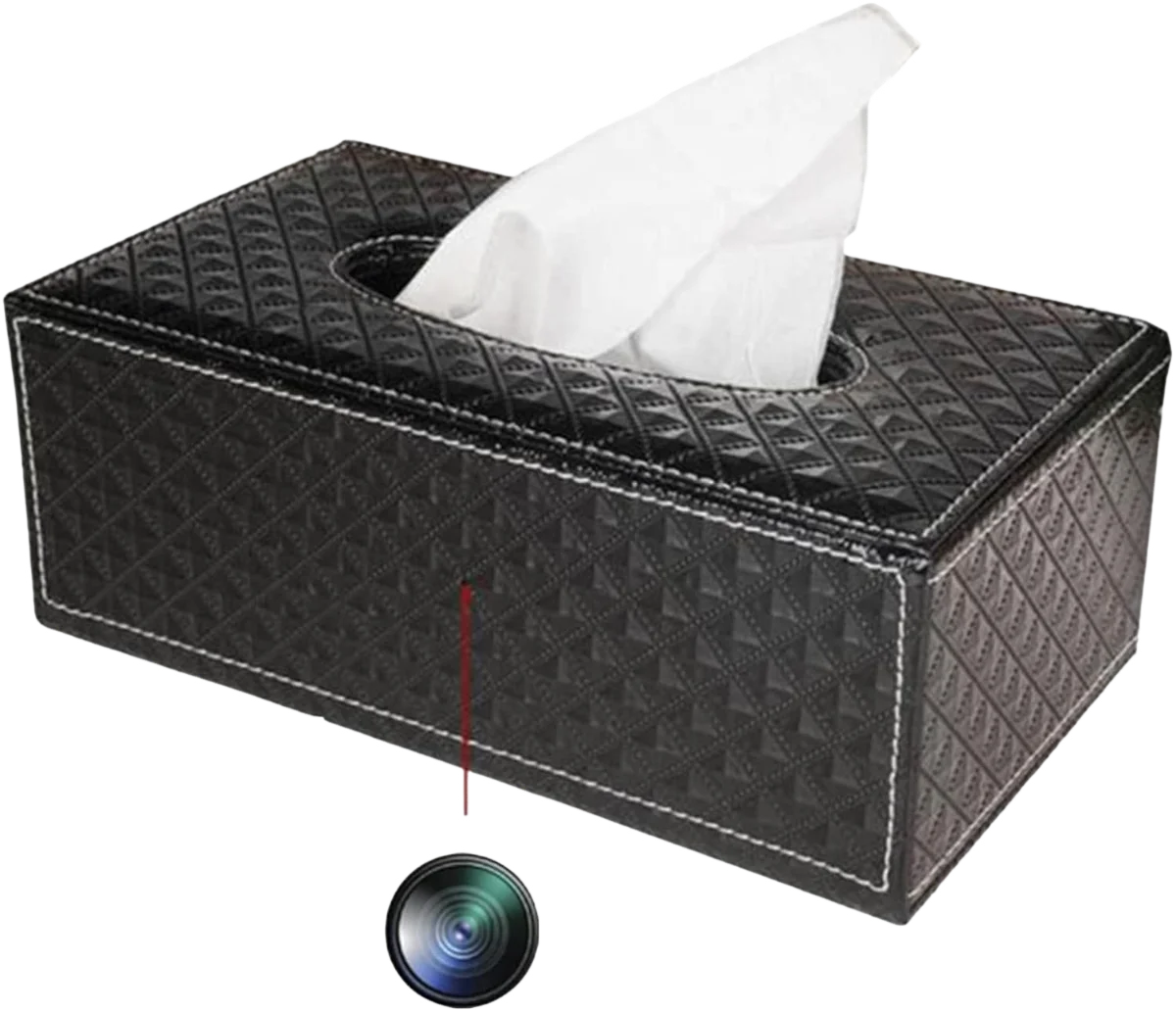
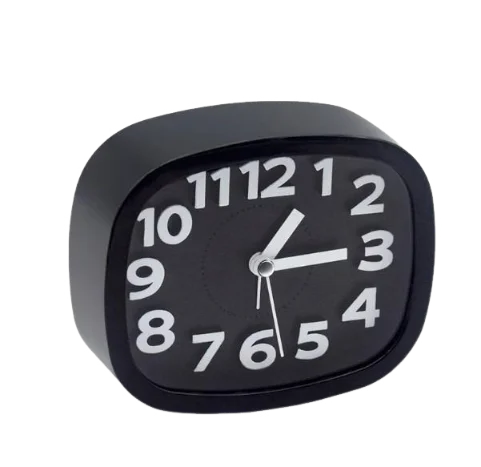
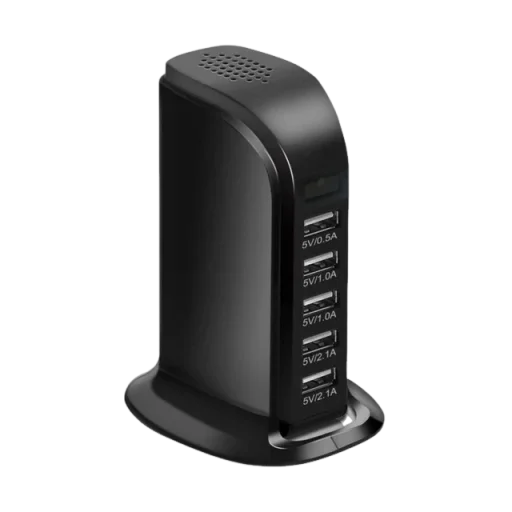
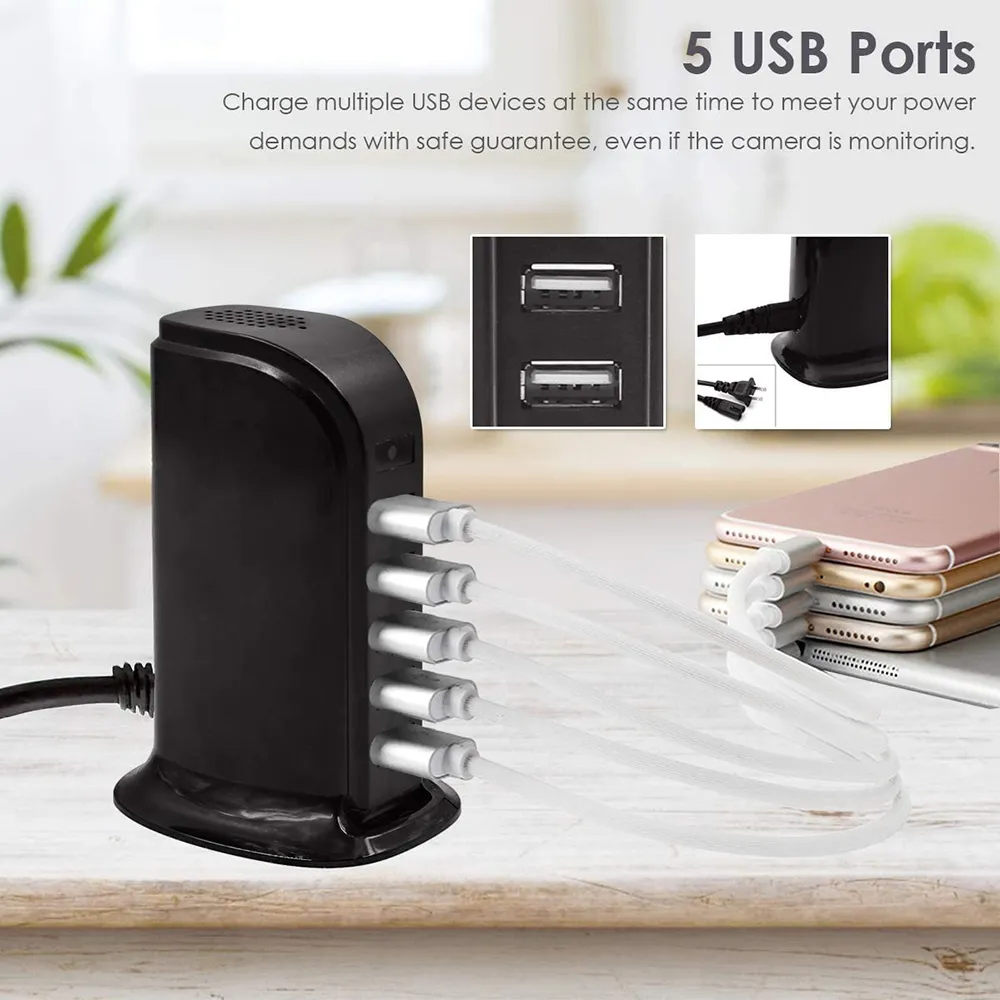
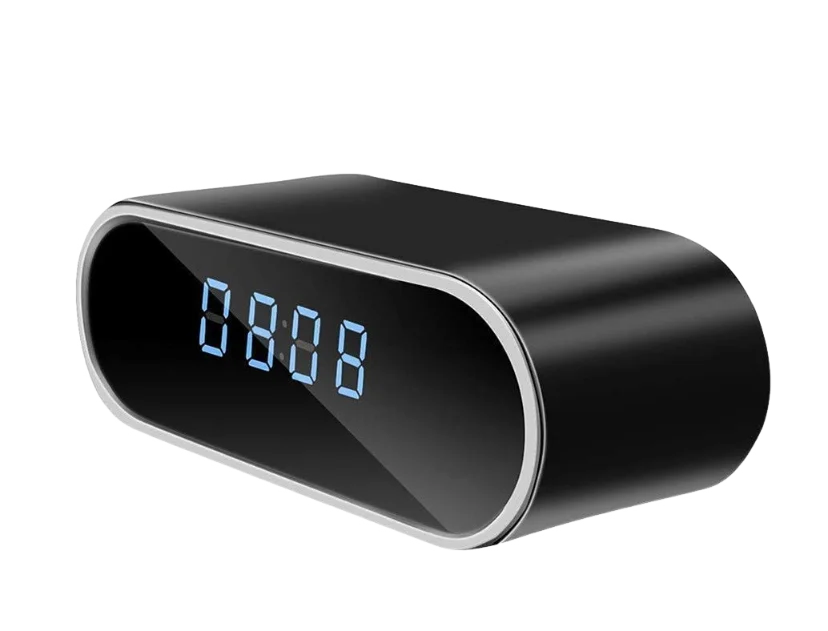
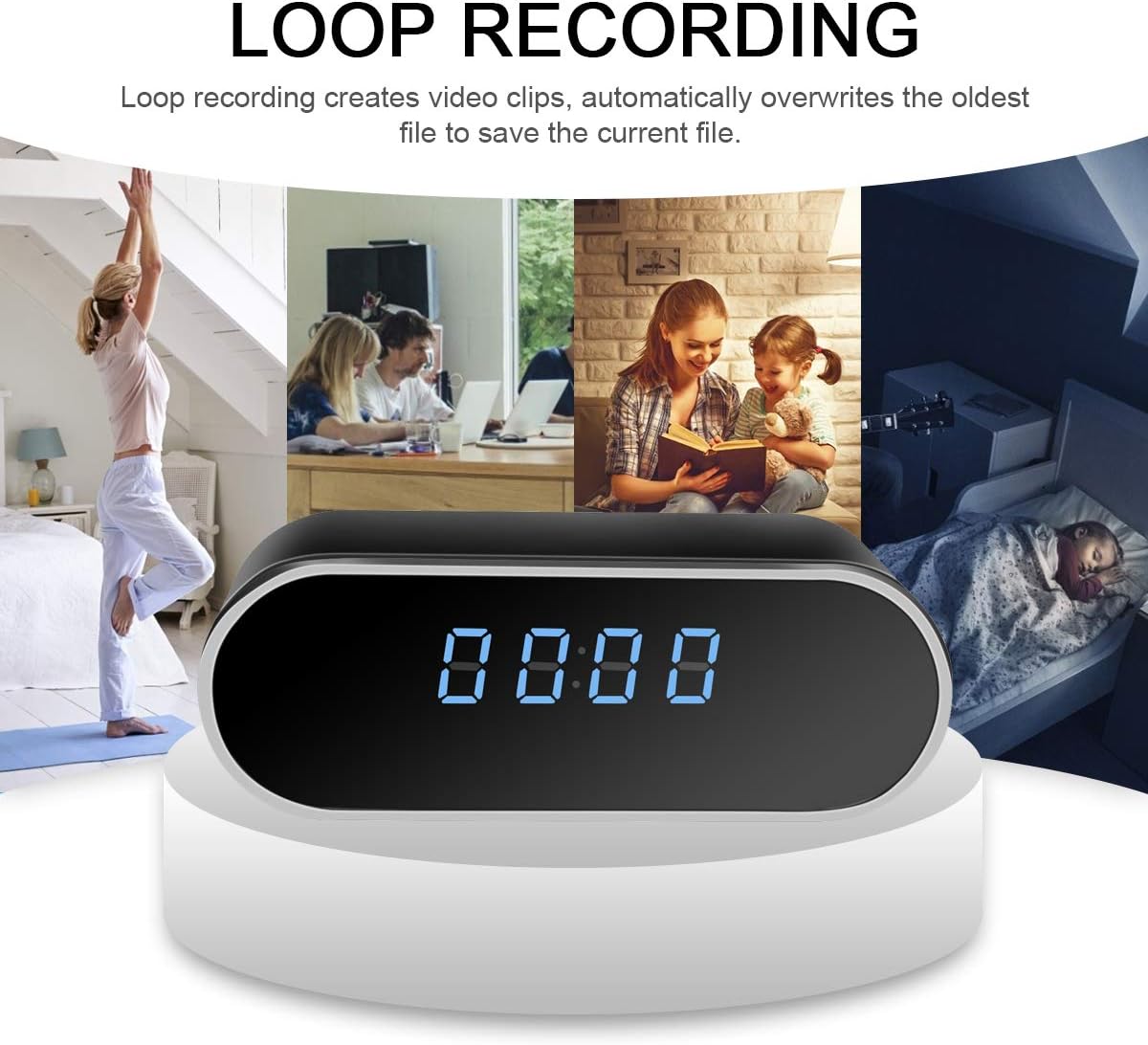
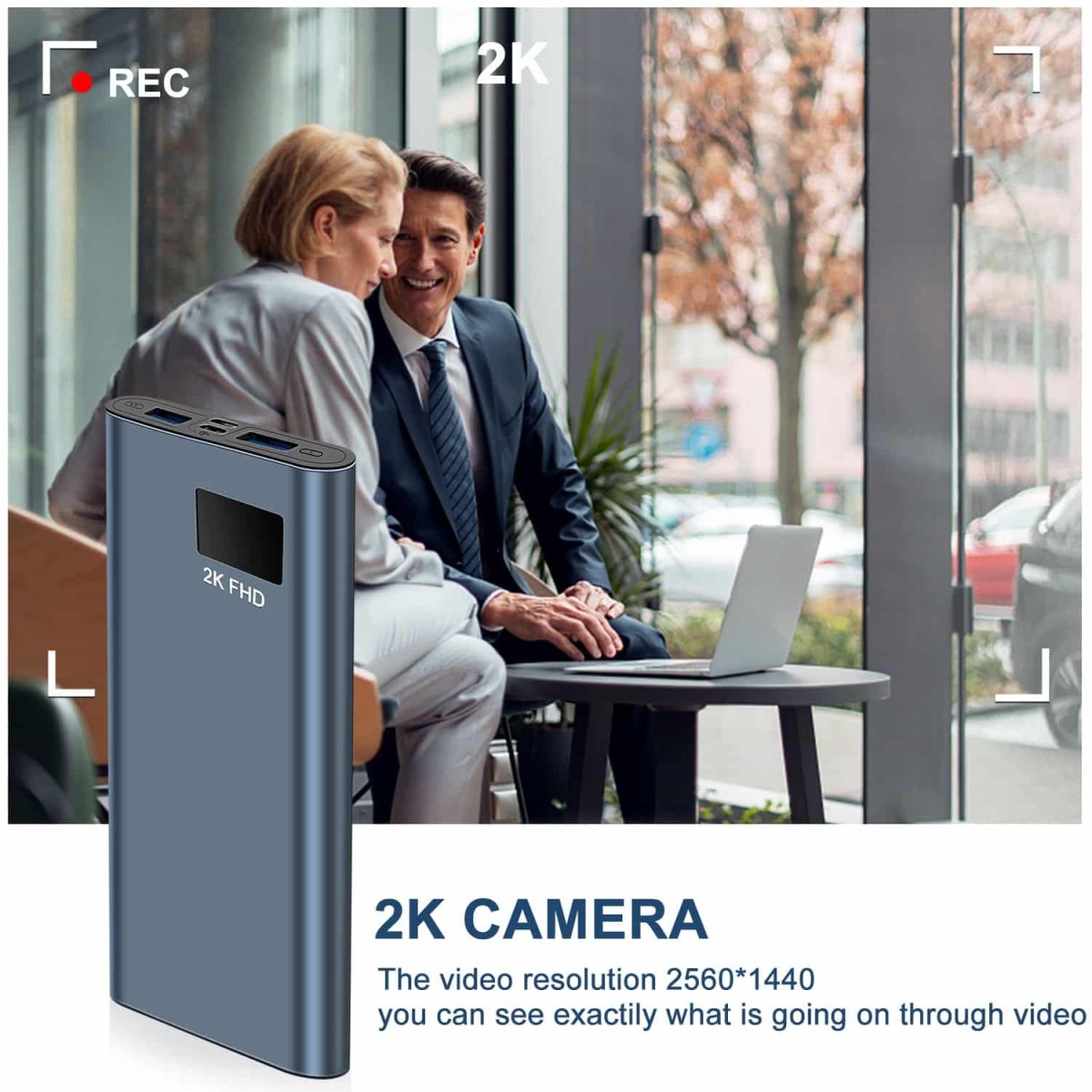
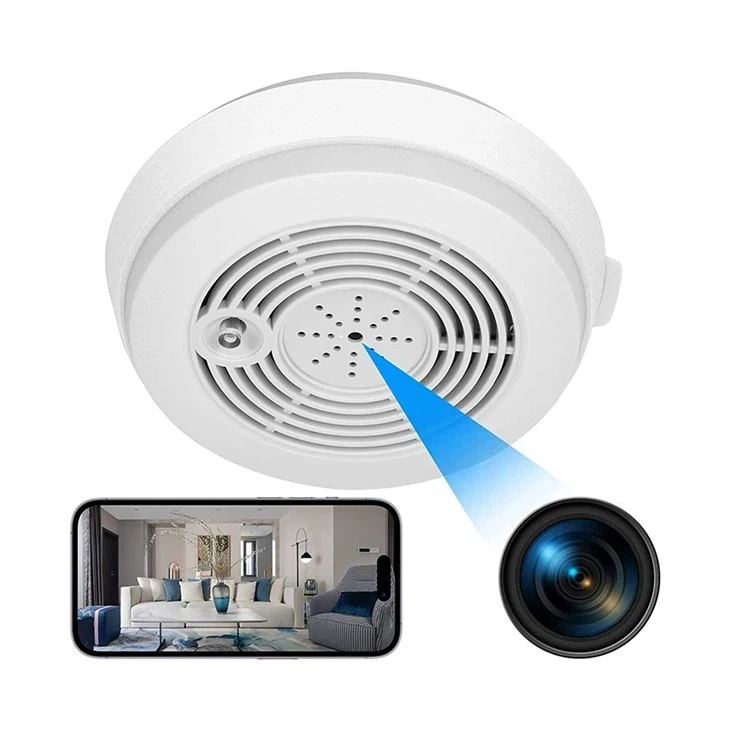
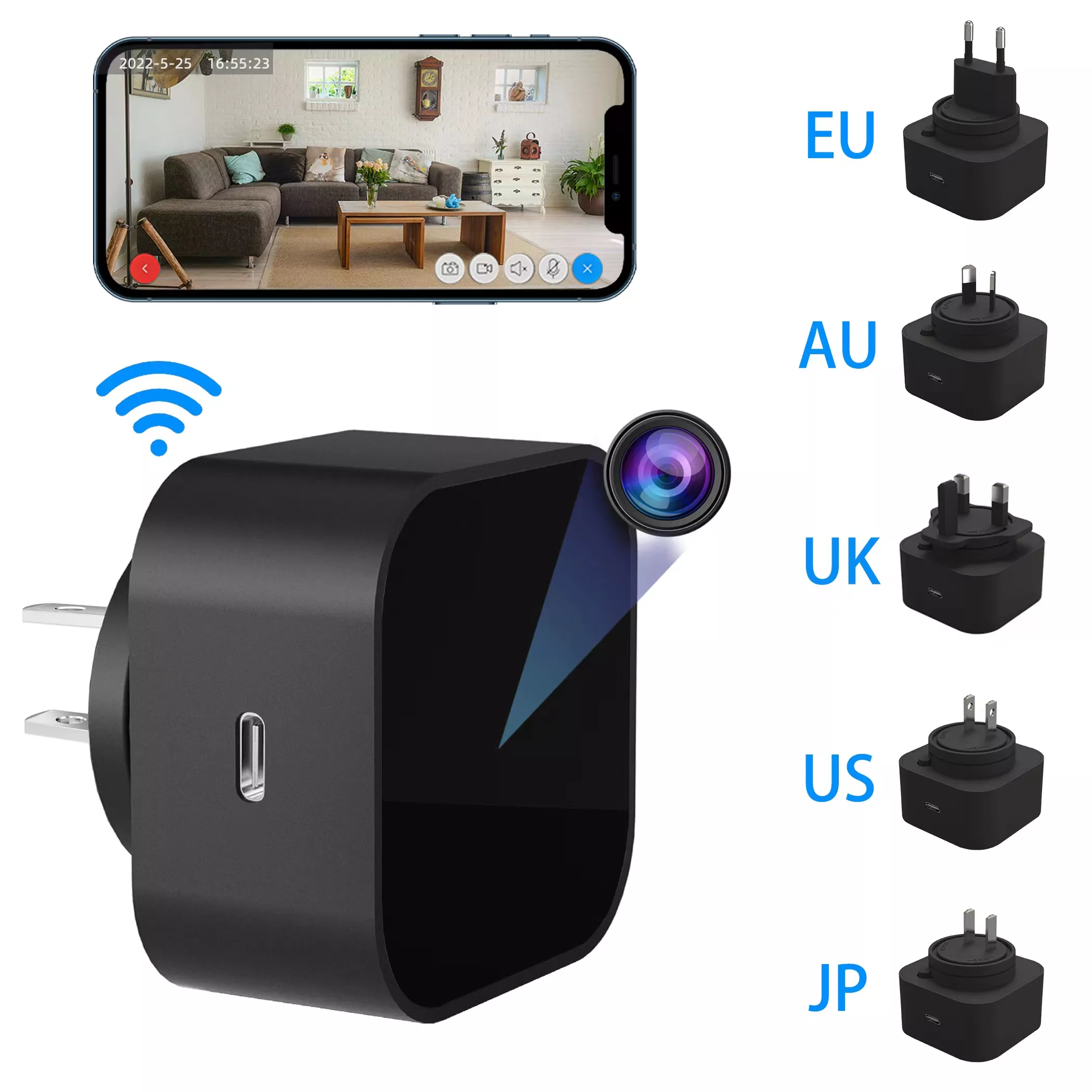
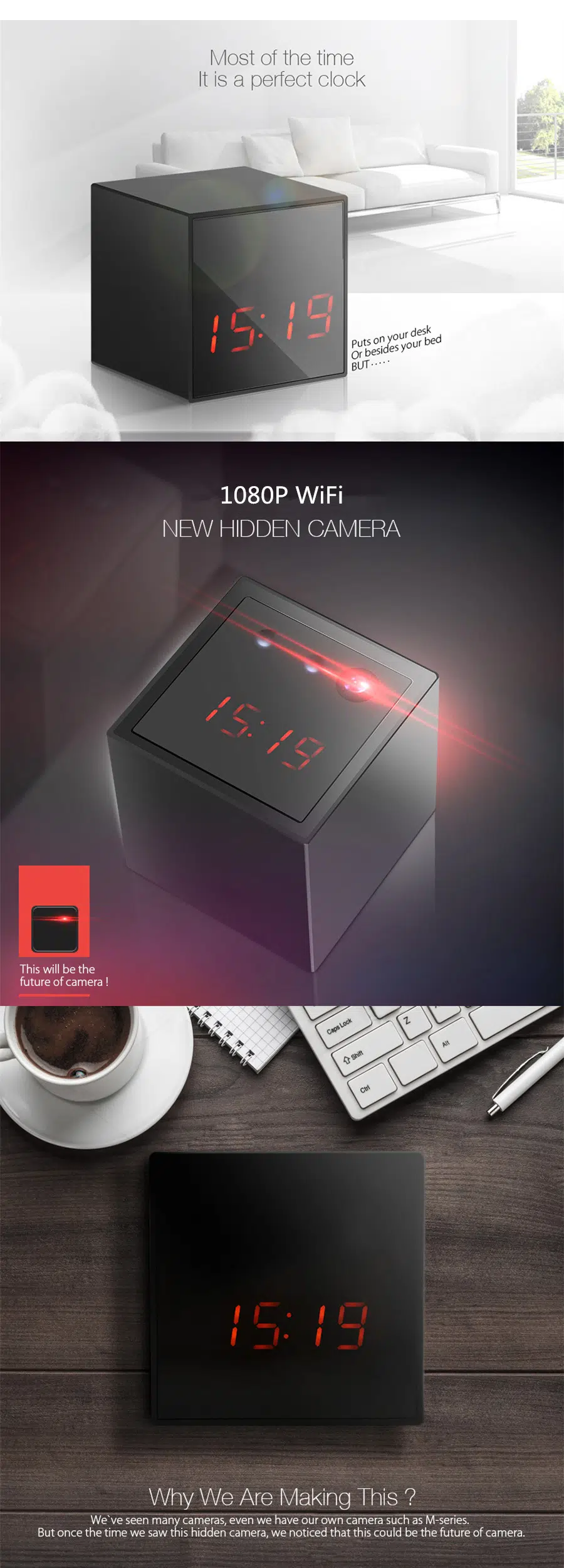
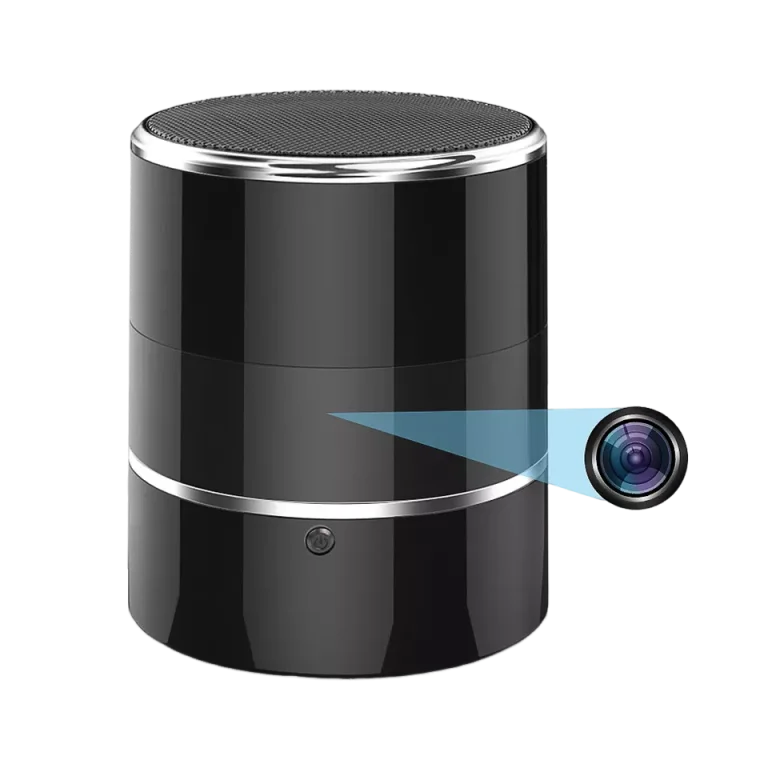
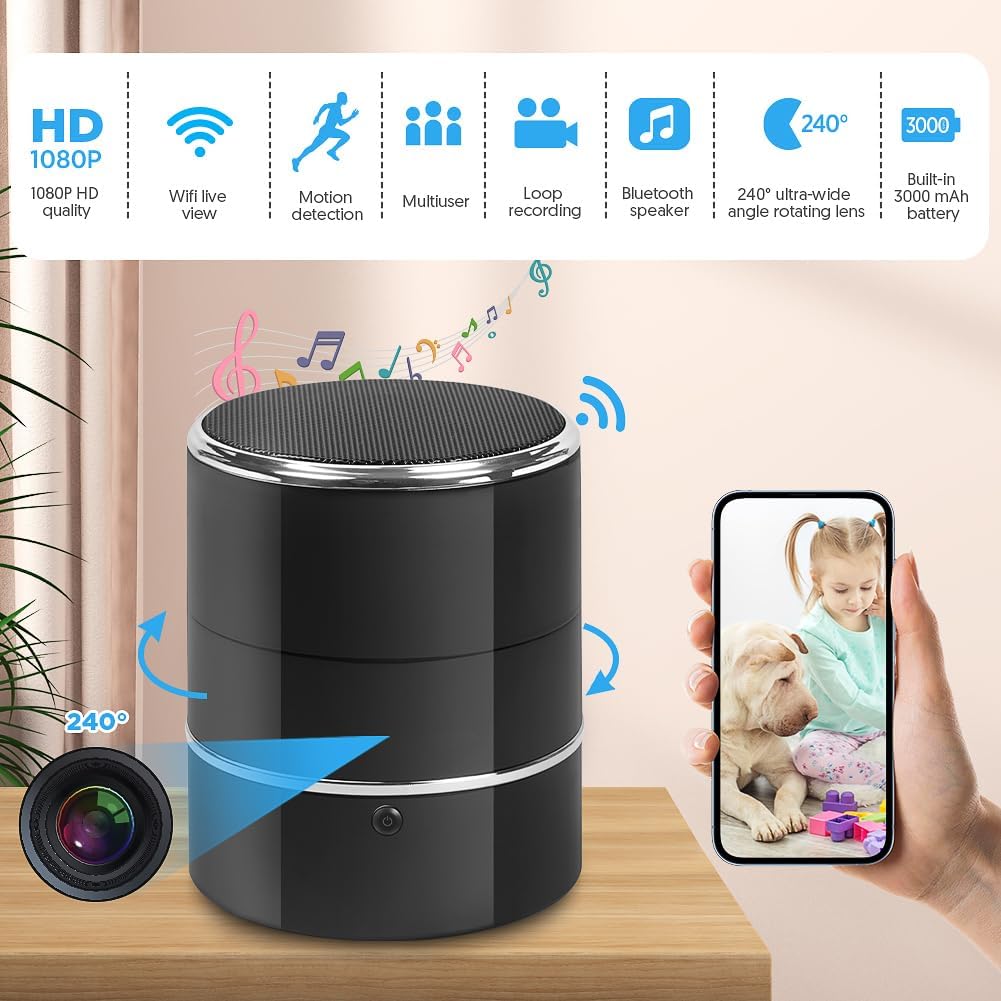
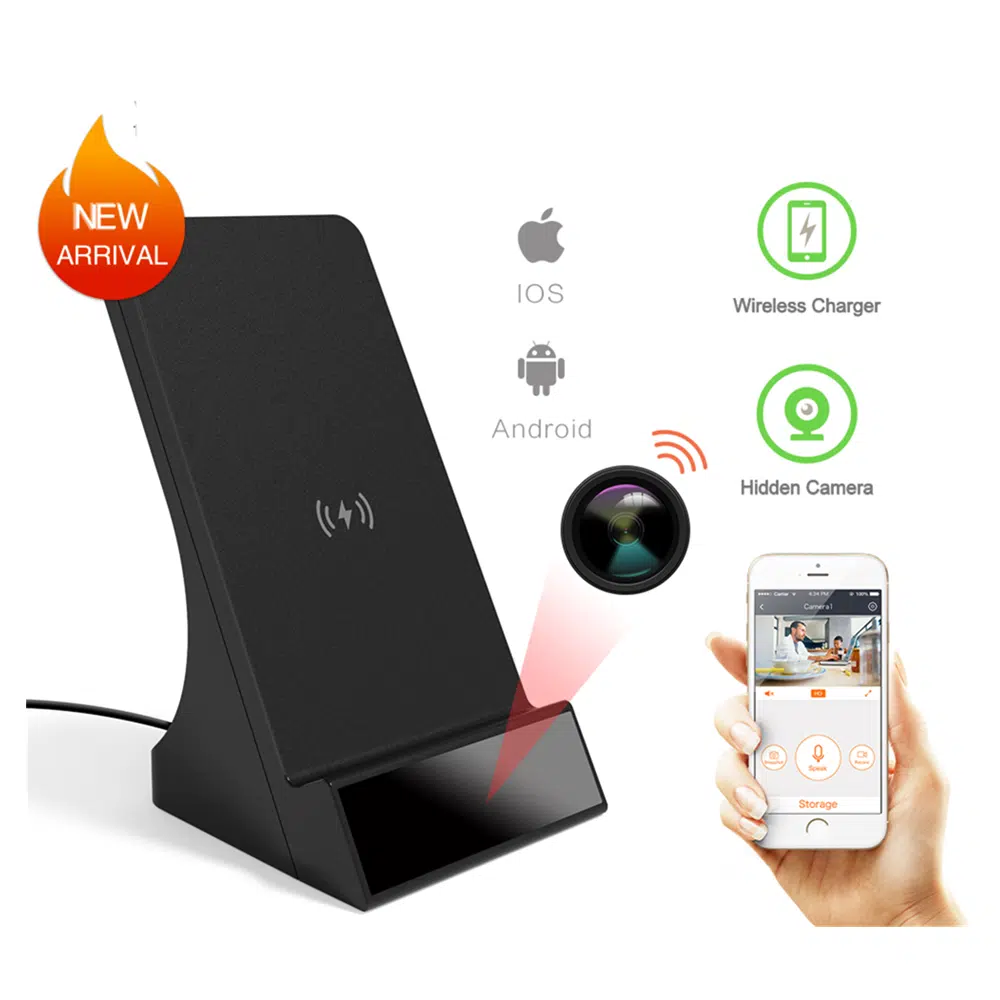
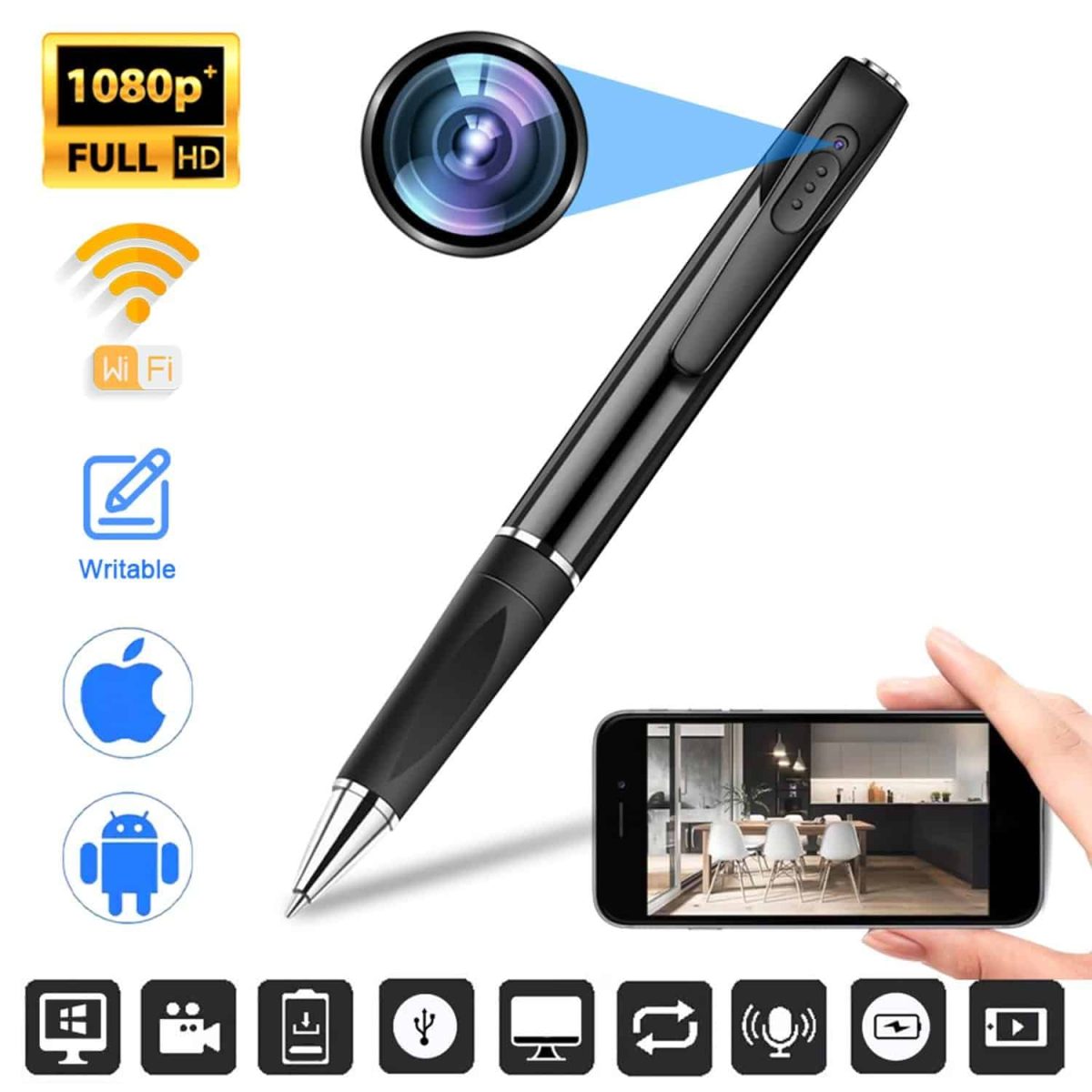
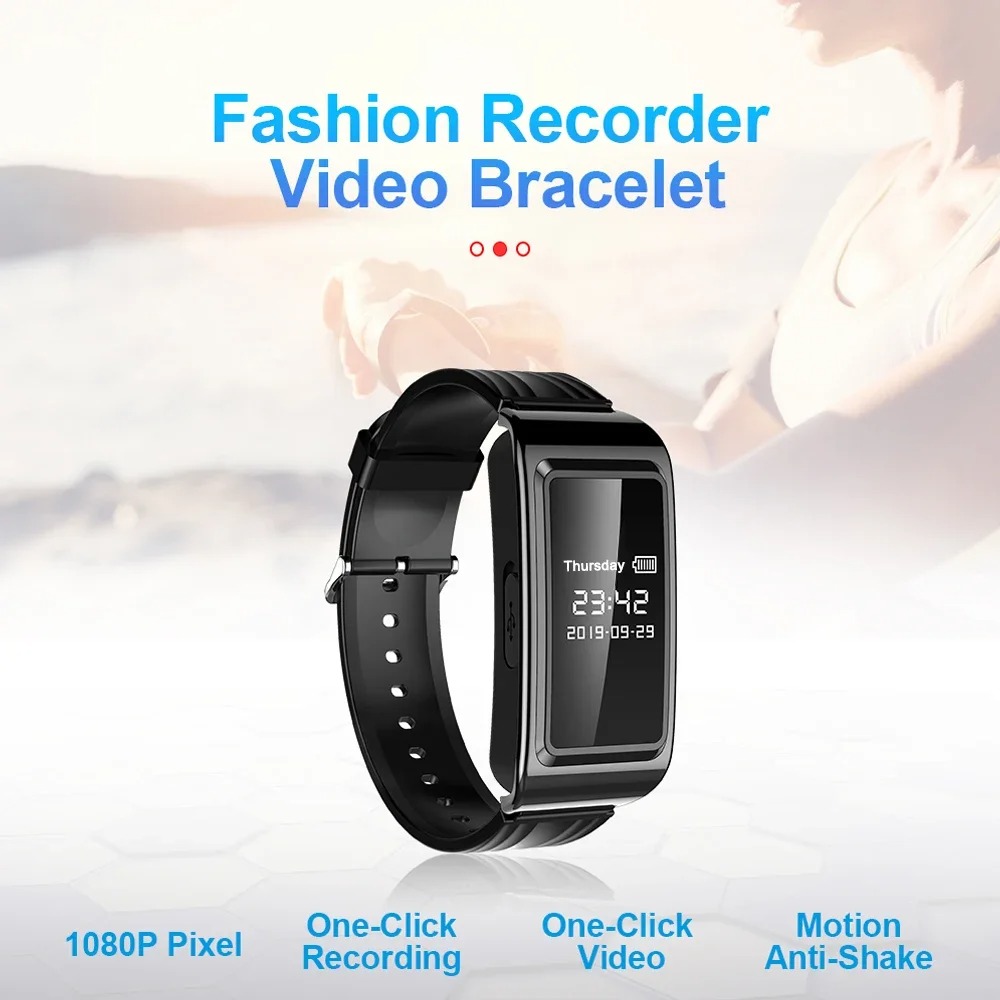
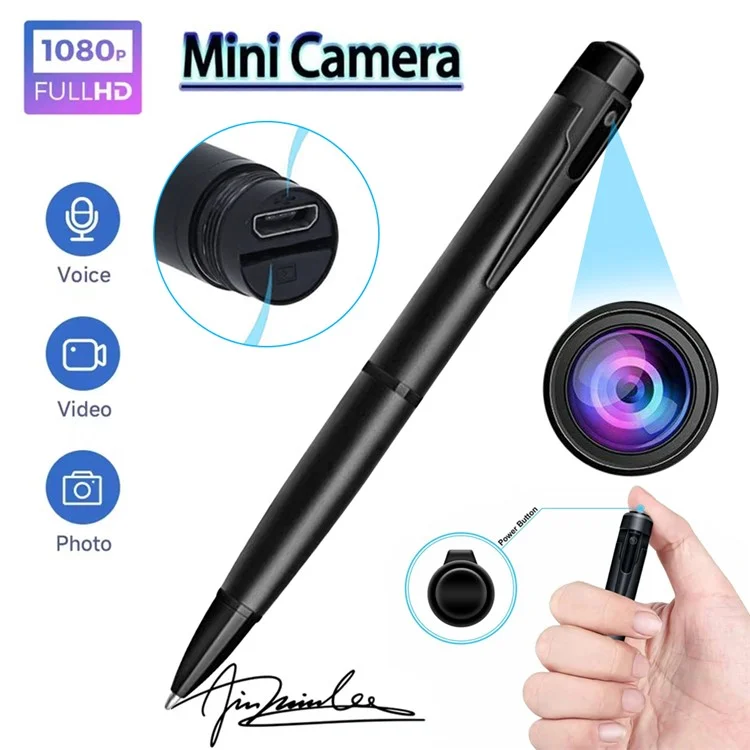
Hidden cameras place a camera inside a discreet housing or use a compact camera module. XXSCAM's selection includes clock, charger, power-bank and small-camera formats. Choose by the intended position, recording method and power requirements, then check the exact model's features.
Start with the location and viewpoint you need to record. A clock-style camera can sit on a suitable surface, while a compact module requires a different mounting arrangement. Consider where its lens will point and whether the view will be blocked by nearby objects. A housing that fits the surroundings is only part of the decision; access to power and a practical way to retrieve footage matter as well.
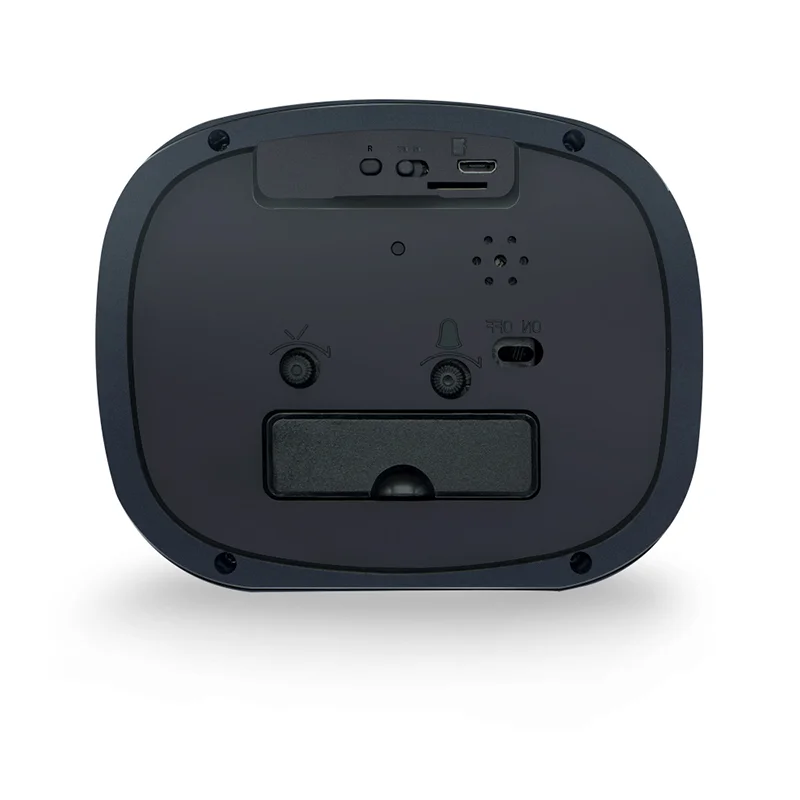
The current selection includes the Clock SPY Camera, alongside other clock, charger, power-bank and compact formats. Read the individual product page to compare its recording and connection features. Avoid treating every camera in an everyday-looking housing as interchangeable. The model's lens position, controls and setup requirements can make a larger difference to use than the outside appearance.
Decide whether you need to review saved recordings or view a camera through a phone. These are different requirements, and the chosen model must support the method you intend to use. Check the storage media, capacity and playback instructions for local recording. For connected viewing, check the network and app requirements. Do not infer cloud backup, a subscription or remote access from the term hidden camera.
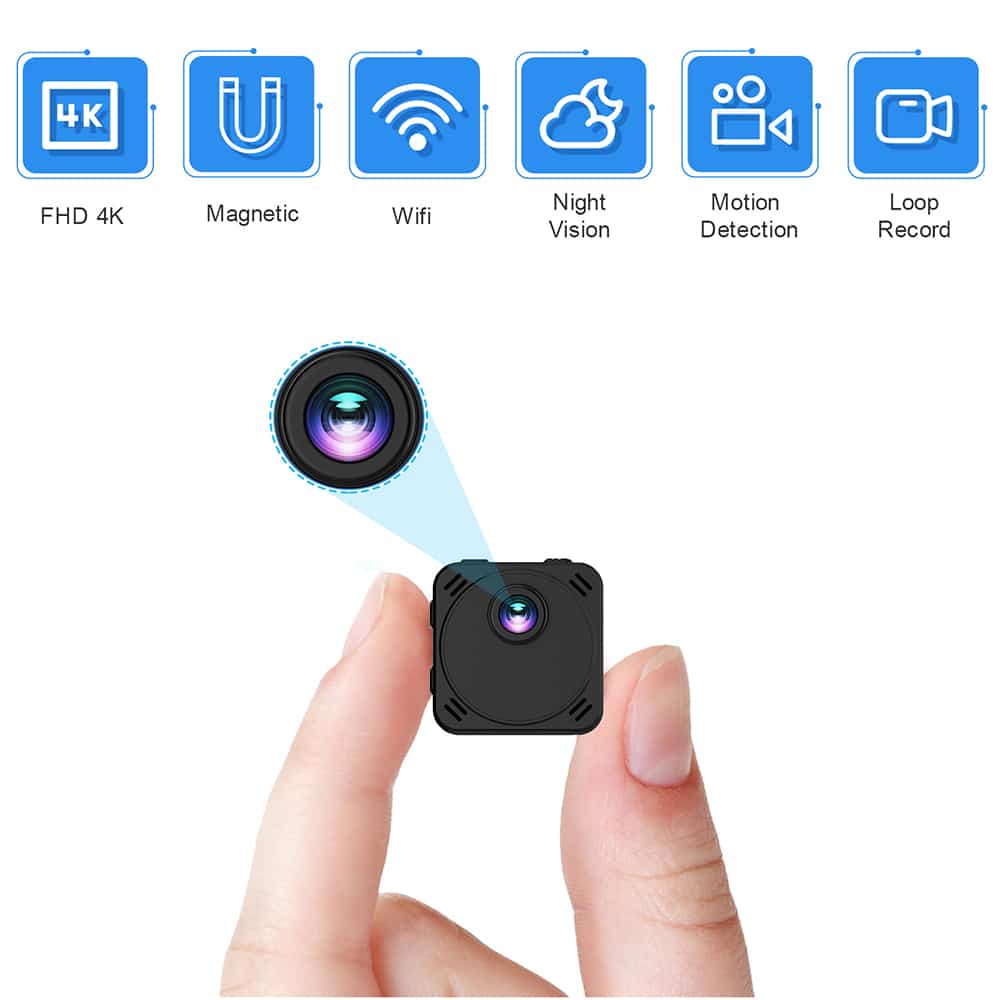
Compare continuous recording and event-triggered modes separately where they are listed. Motion detection, loop recording and alerts are individual features, not promises made by this category as a whole. Read how each supported mode behaves and what happens when power or storage becomes unavailable. If the product information leaves a necessary feature unclear, request clarification before ordering instead of relying on a general category description.
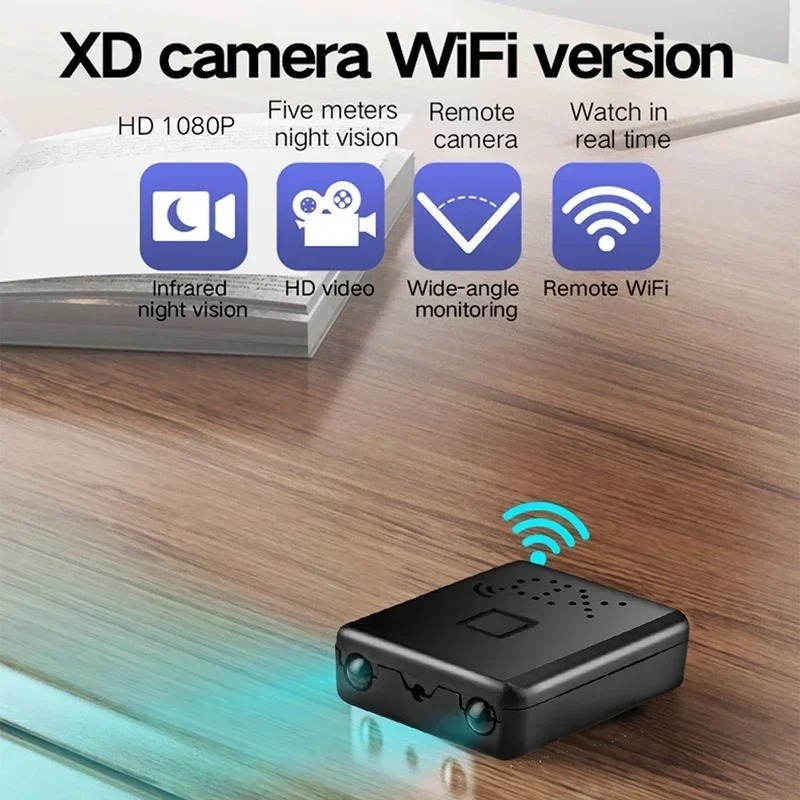
If app viewing is central to your choice, browse wireless cameras and check the connection features of each model. A hidden housing and a WiFi connection describe different aspects of a camera. One does not imply the other. Check whether the device needs an internet connection for the viewing method you plan to use, and whether your network meets its stated setup requirements.
Power needs deserve their own check. A device with wireless connectivity can still require external power, while a battery-powered model needs a charging routine. Read the model's charging and recording information and distinguish standby time from active recording time. Also confirm which cables, adapters or memory cards are included. Do not assume accessories shown in a setup photograph are part of the purchased package.
After setup, make a short trial recording from the intended position and play it back. Check what is actually in frame, whether furniture blocks the view and whether the controls behave as expected. If night recording is important, confirm the chosen model's listed low-light features and test the intended conditions. A product described as hidden does not automatically have infrared night vision or usable audio.
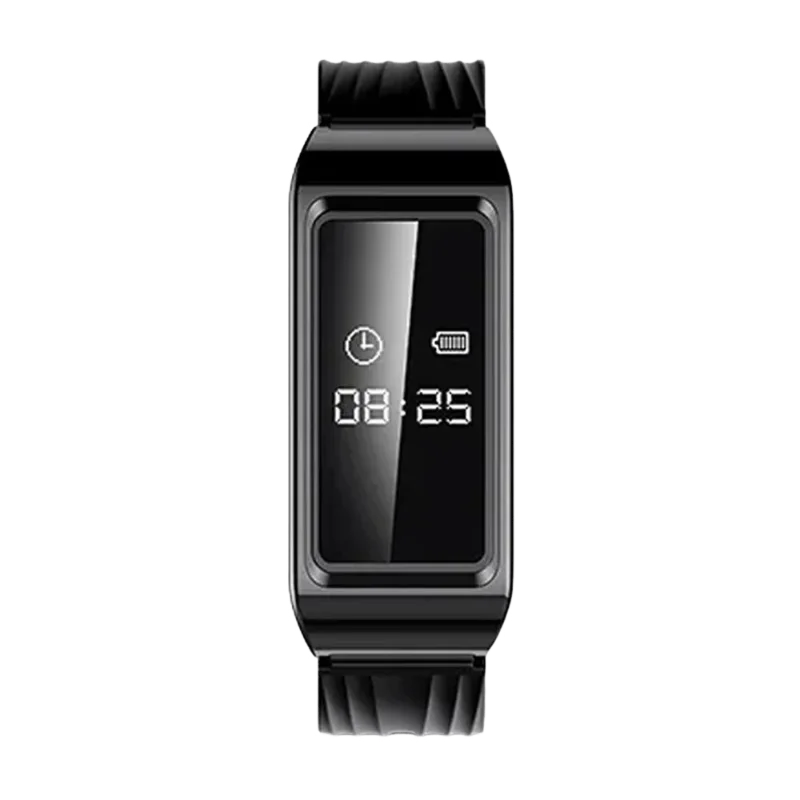
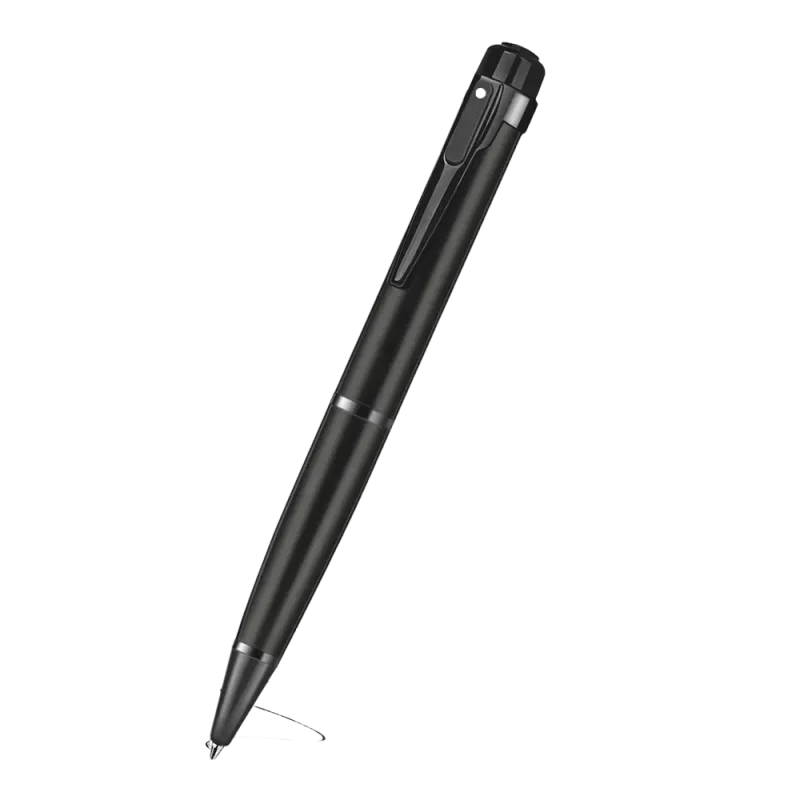
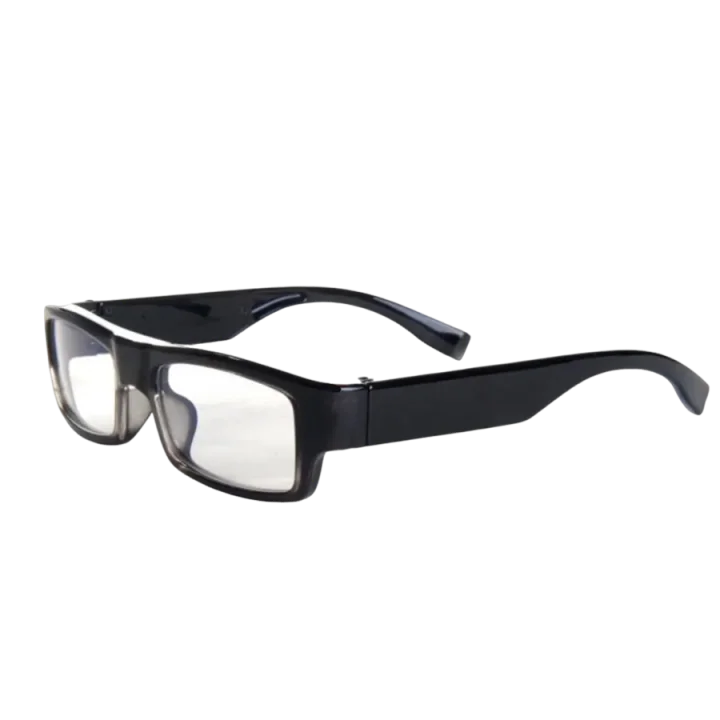
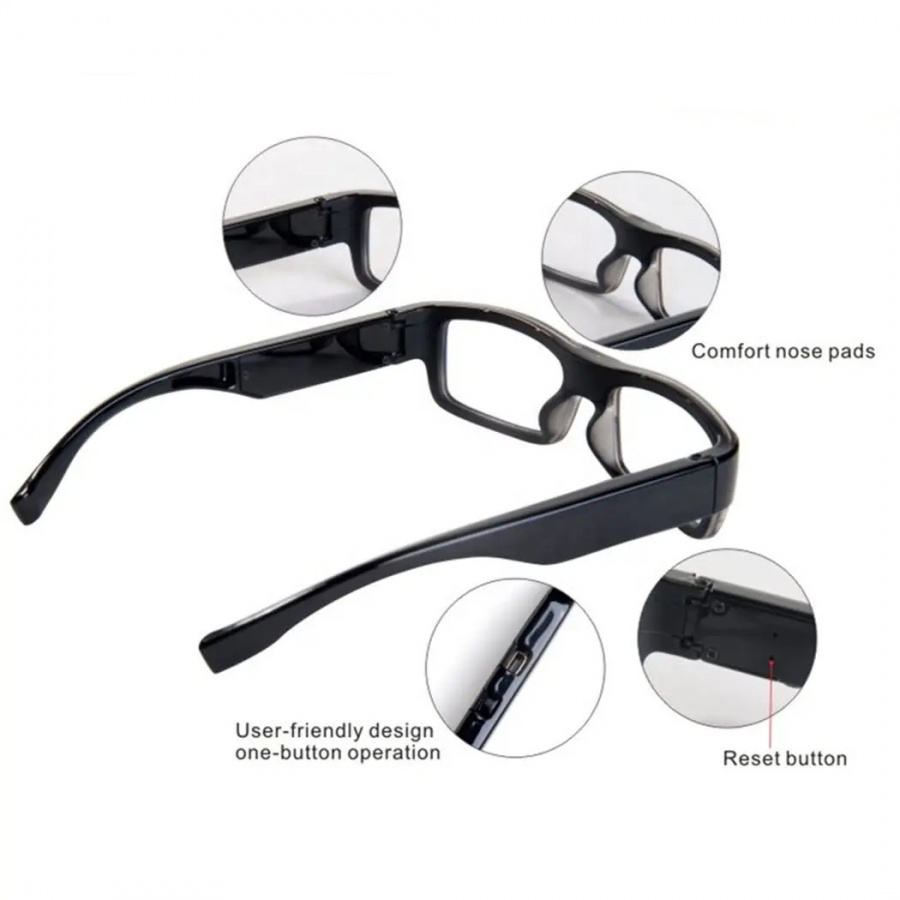
For a camera worn by a person rather than placed in a room, compare wearable cameras. Select the format that matches the viewpoint you need. Before recording, establish whether use is permitted in the intended location and whether people need to be informed. Audio can require a separate check. A discreet housing does not remove the need to respect people's privacy.
A hidden camera uses a discreet housing or a compact module. The term describes its physical format rather than a complete set of recording features. Check the exact model for storage, power, connectivity and controls instead of assuming all hidden cameras operate alike.
That depends on the model and the feature being used. Local recording and remote viewing are different functions. Check the product page and instructions for its connectivity requirements, especially if you need to view footage from another location.
No category-wide feature should be assumed. Look for night-vision and audio information on the individual product page. Confirm any unclear requirement before ordering, and test the intended recording conditions during setup.
Compare where the camera will sit, where its lens points, how it receives power and how you will view recordings. Then review the specific models' features and included accessories. The familiar-looking housing alone is not enough to decide which device fits the task.
Yes, when that particular model includes a WiFi connection. Hidden describes the housing; WiFi describes a connectivity feature. Read the model's app, network and storage requirements to understand what viewing and recording options it actually supports.