-20%
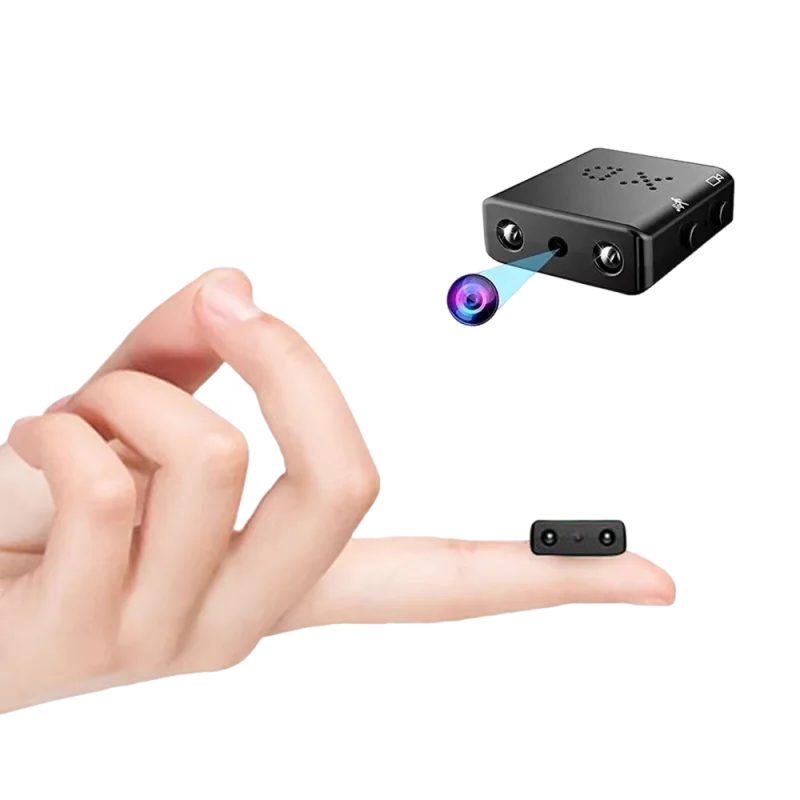
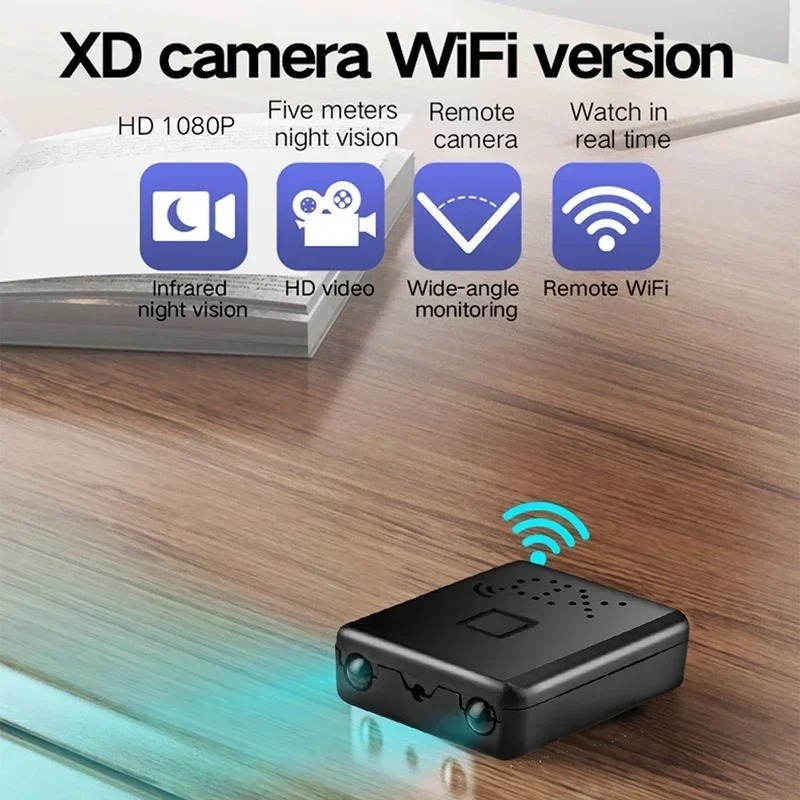
C10 WiFi Module Camera
£101£126
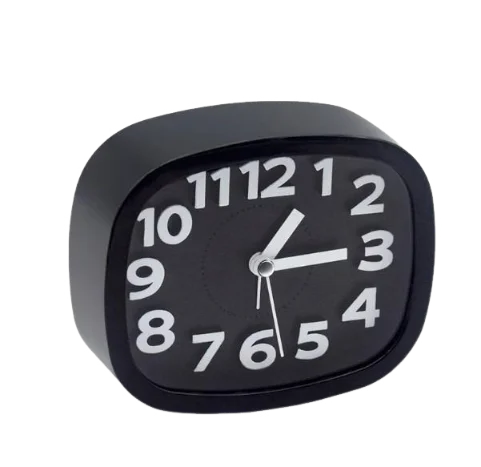

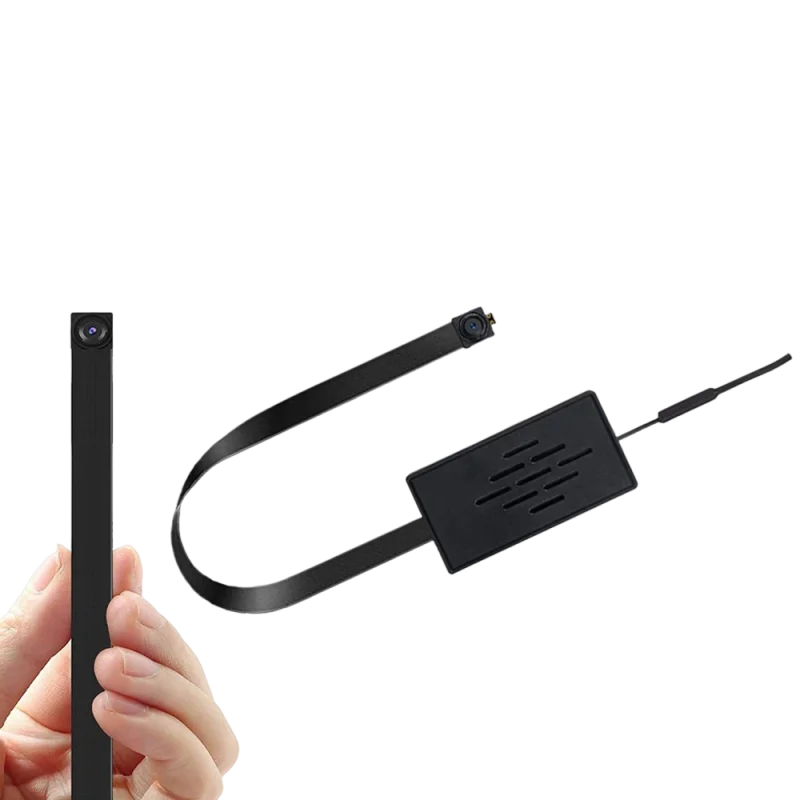
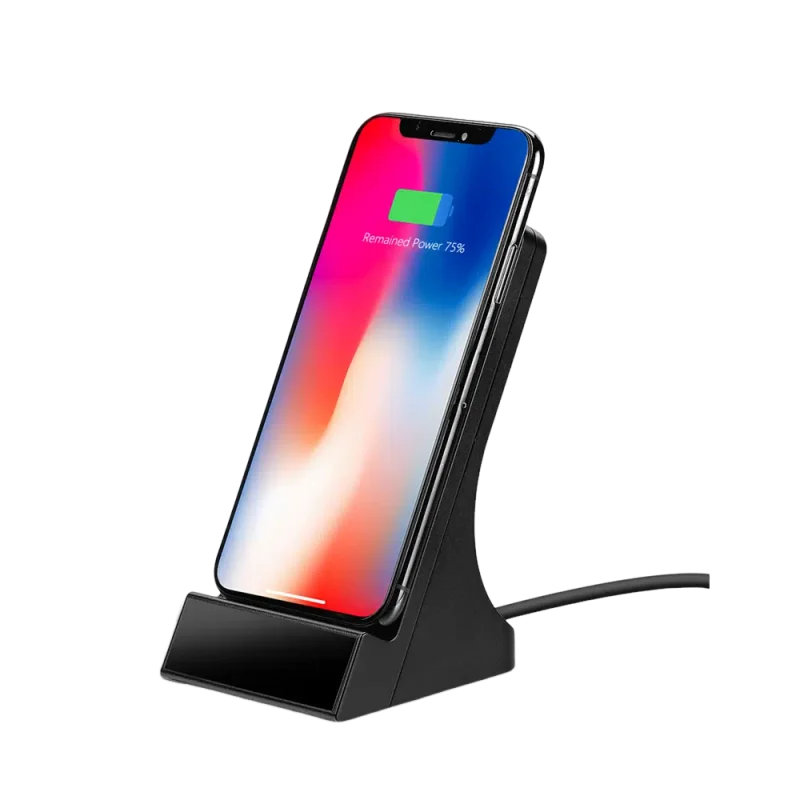
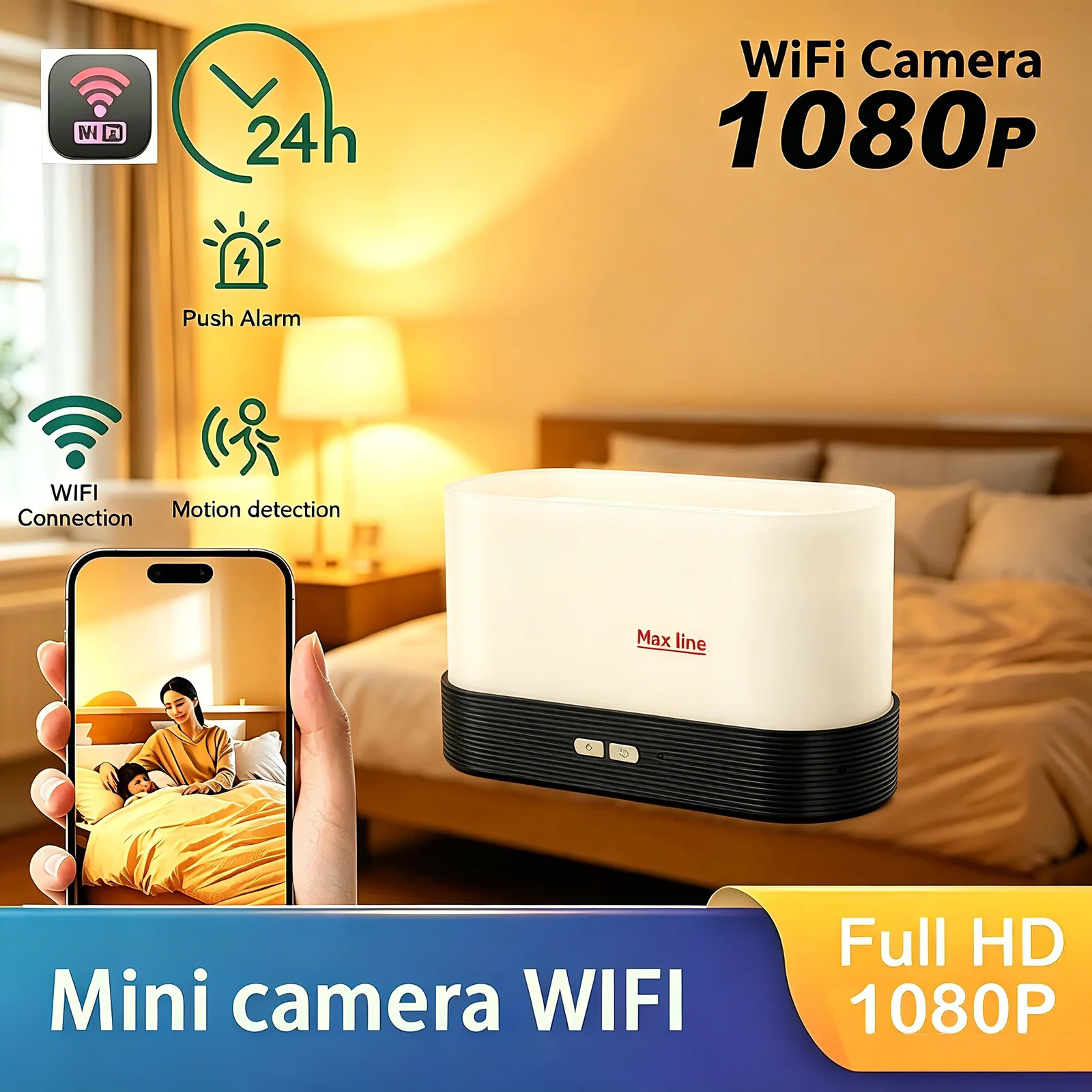
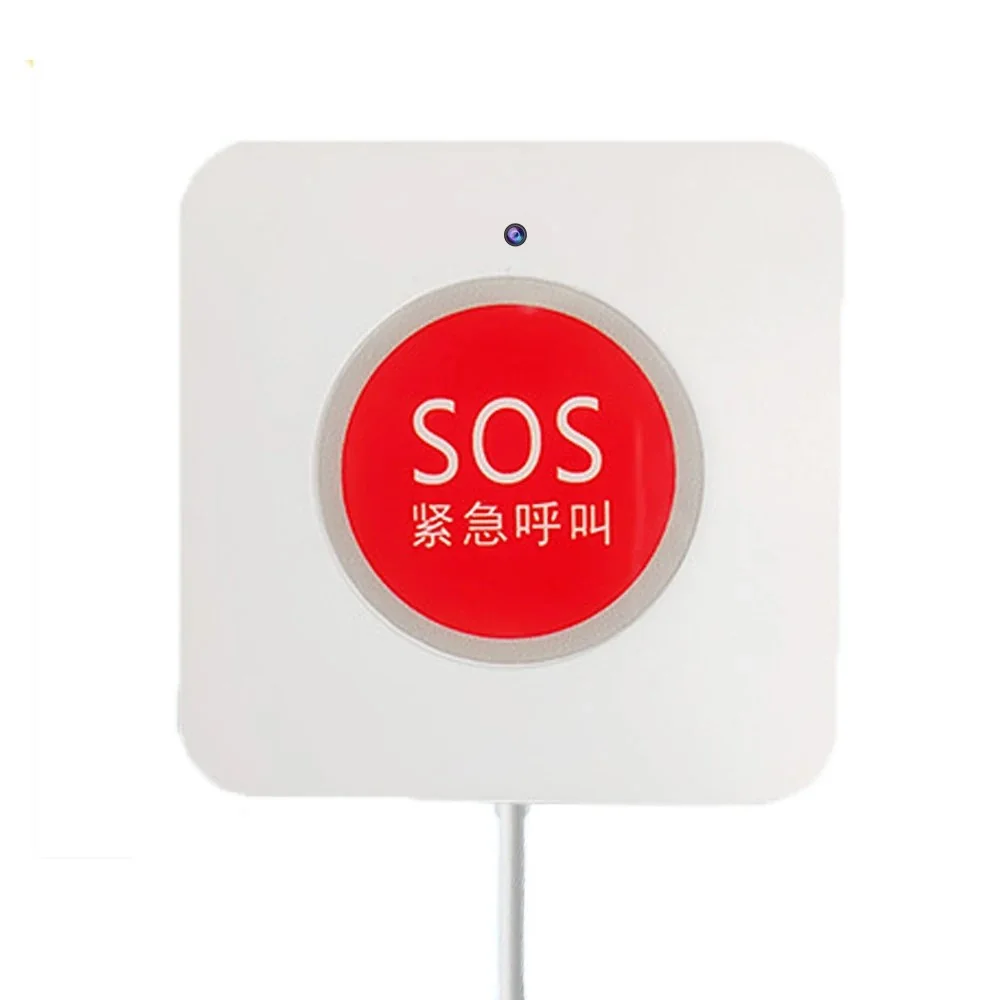
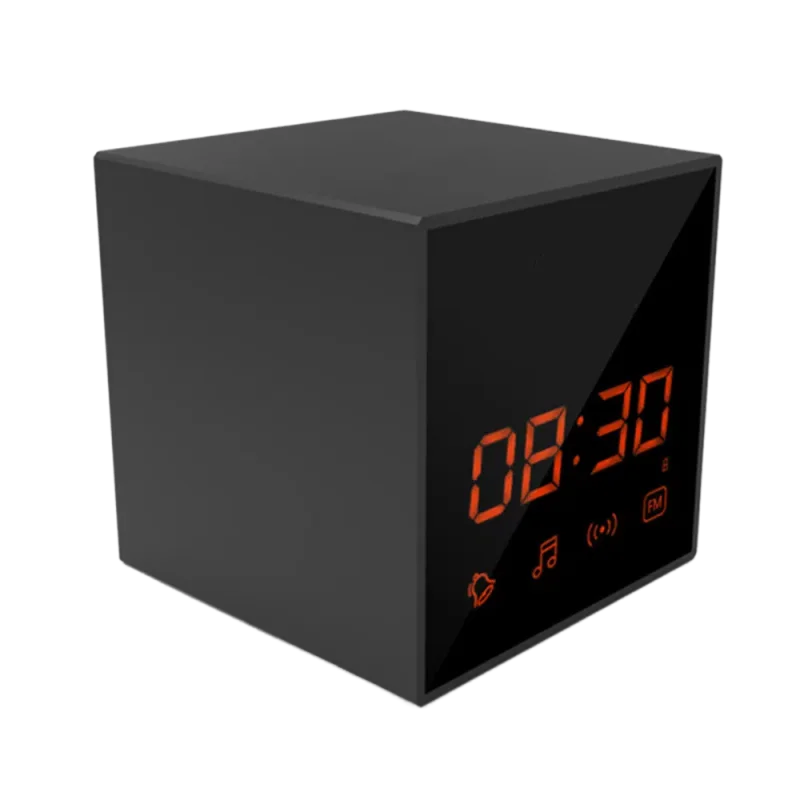
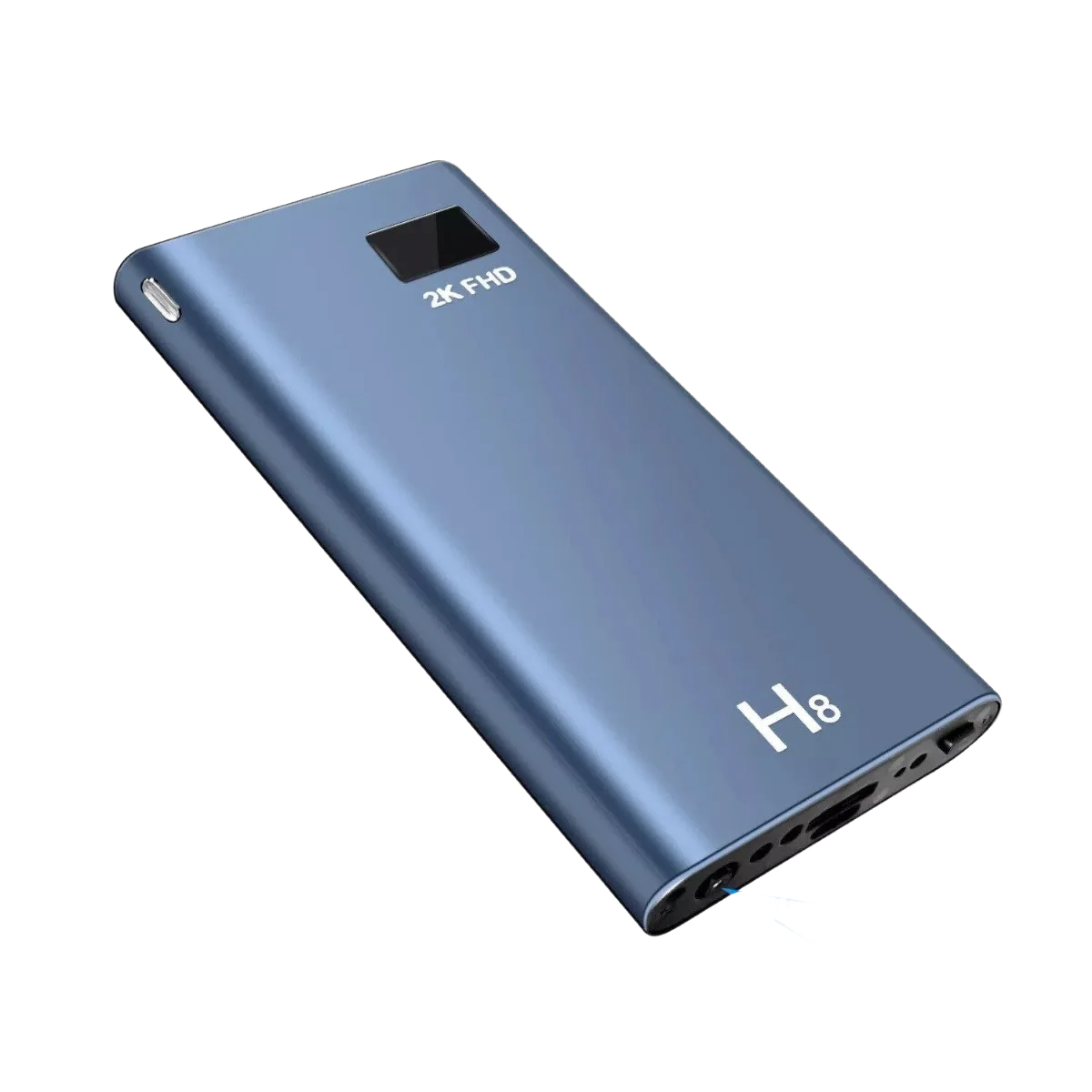
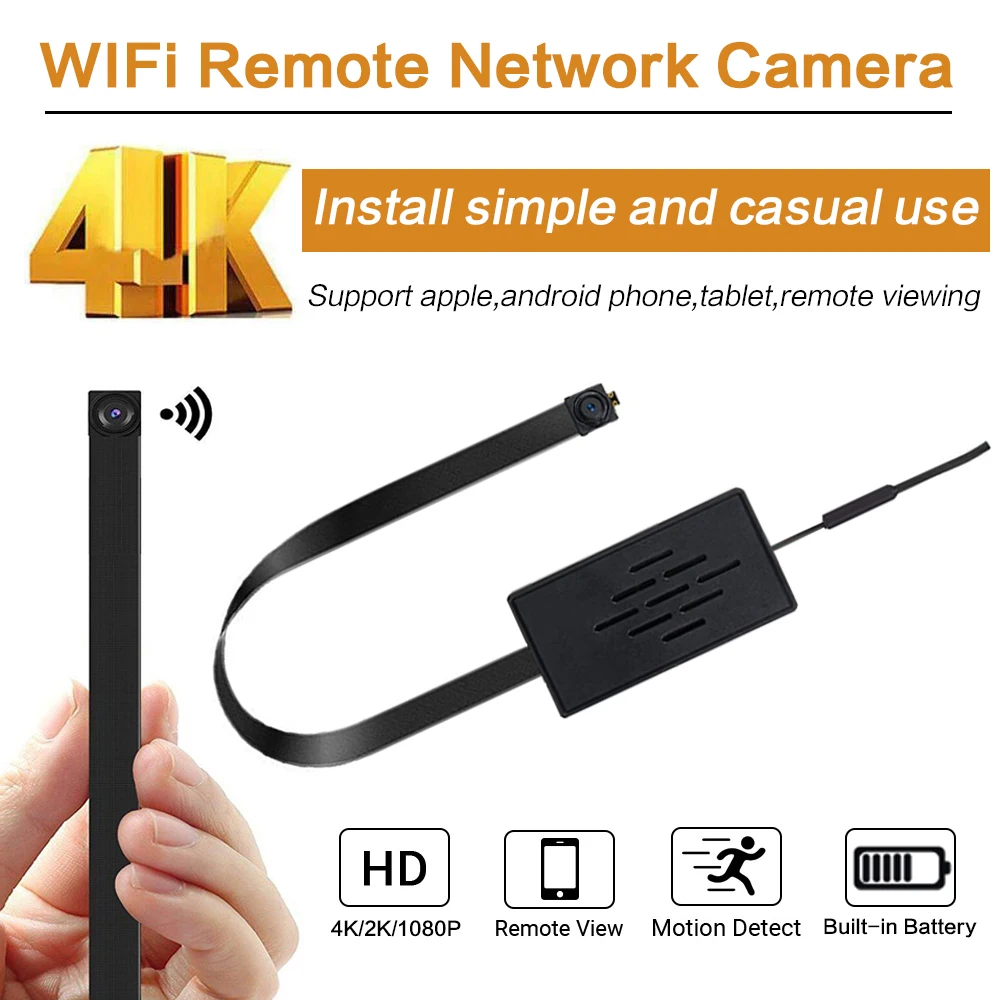
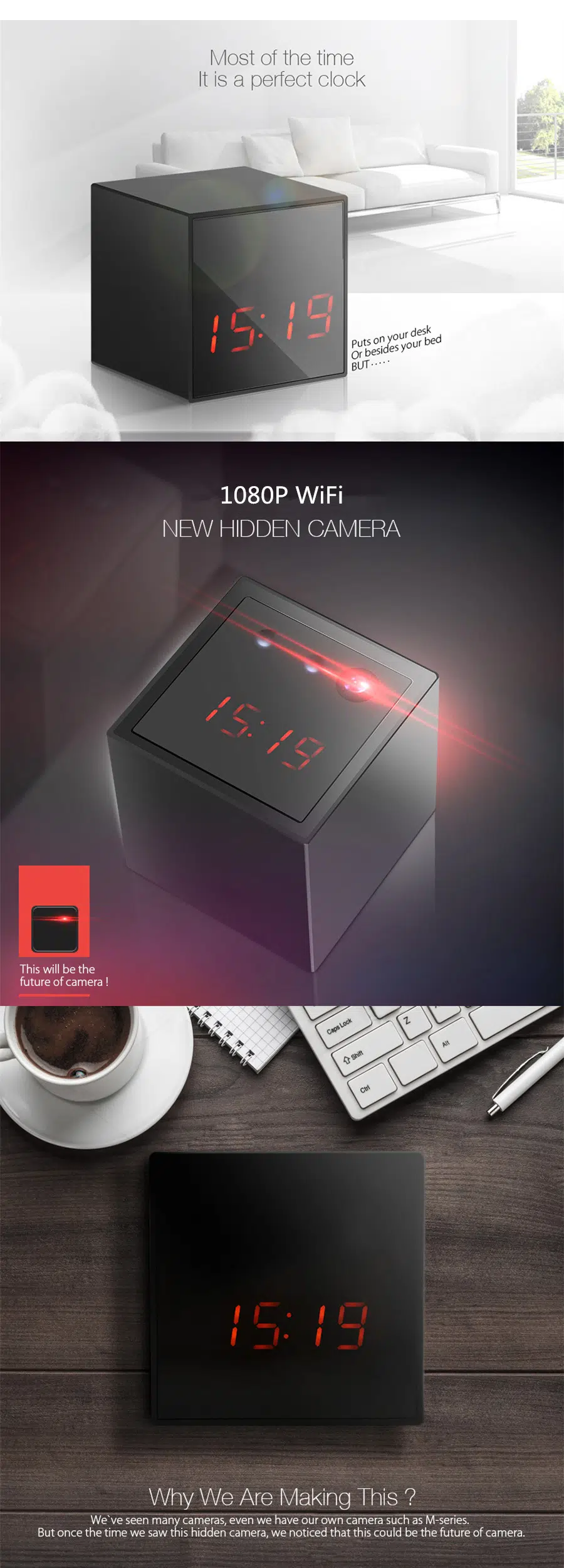
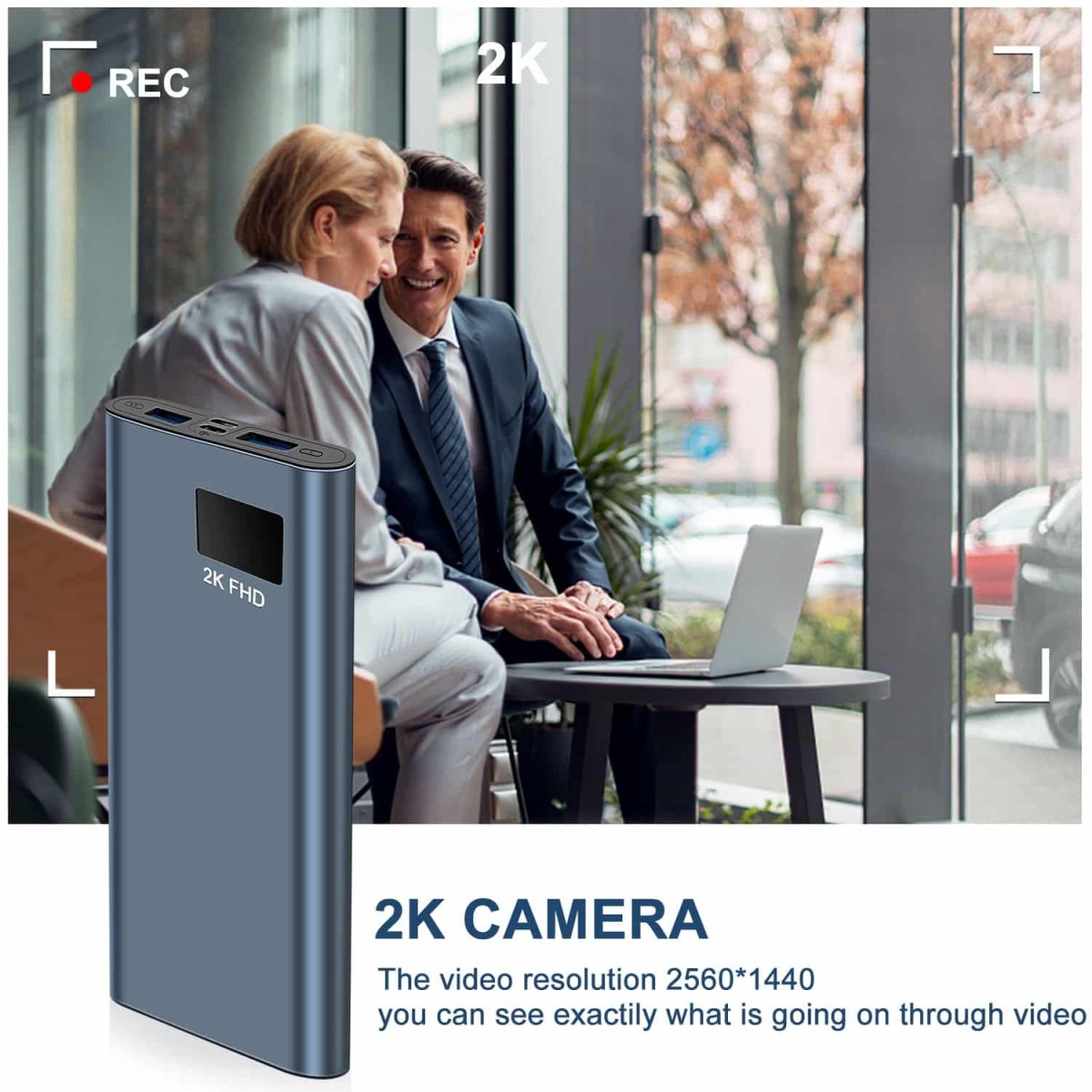
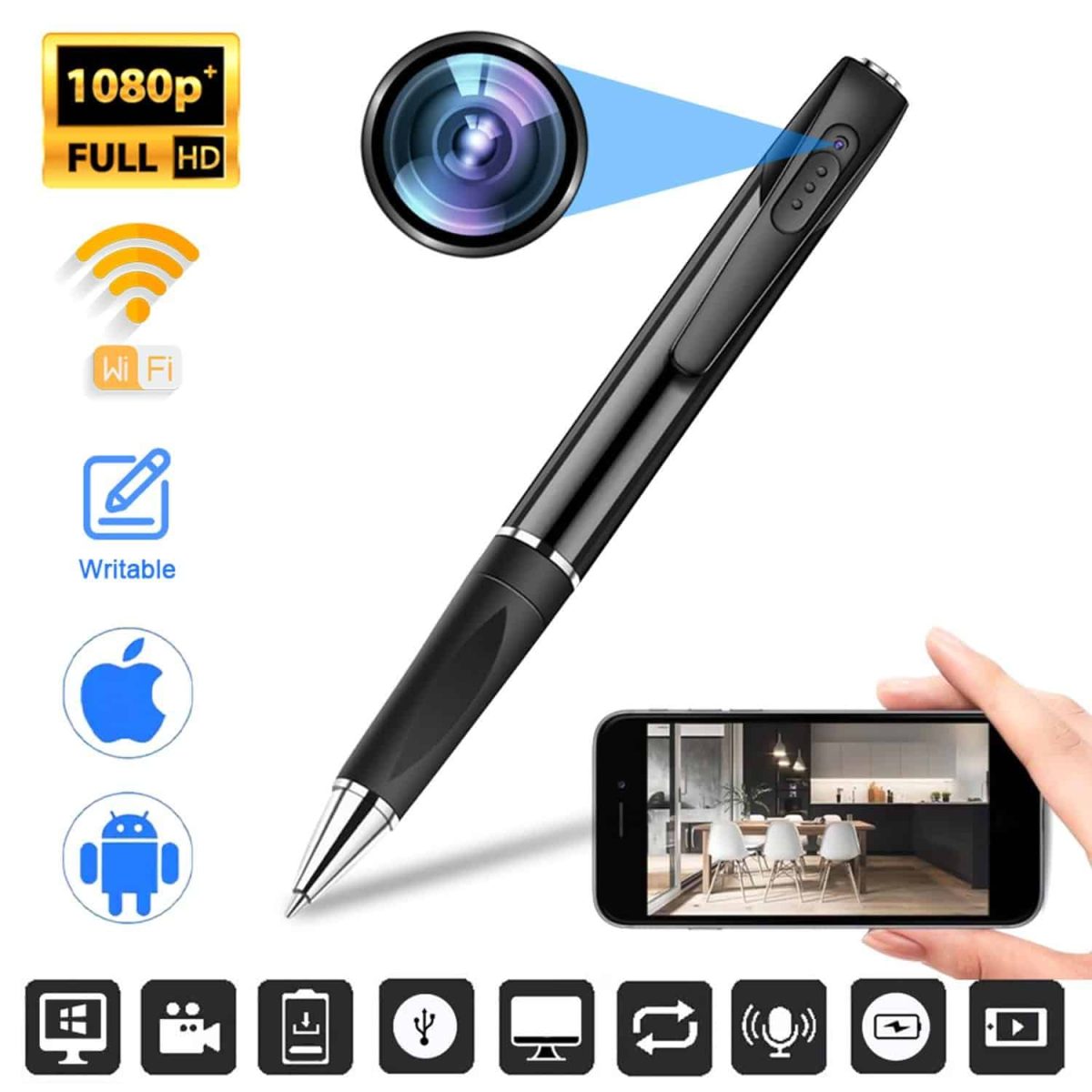
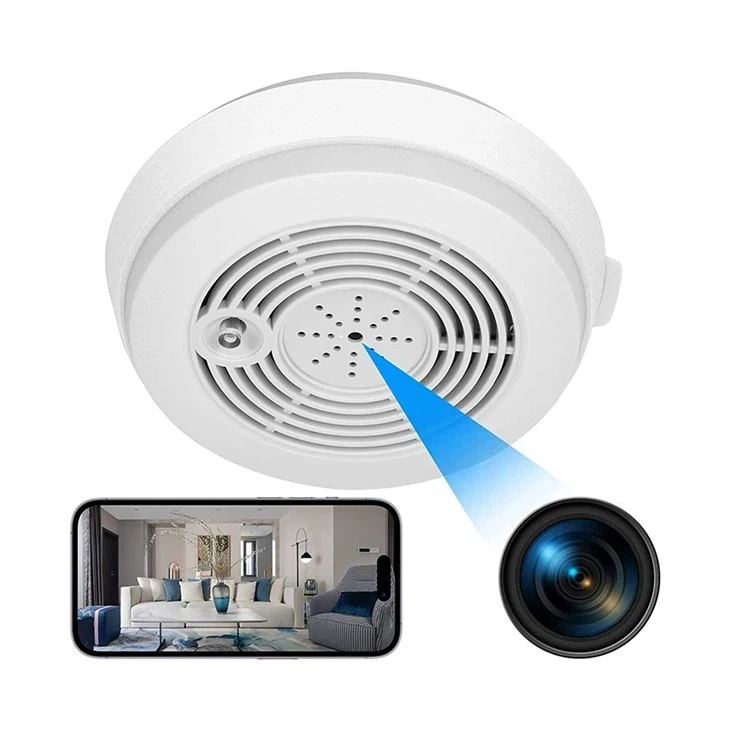
WiFi spy cameras connect to a wireless network for supported app viewing and controls. XXSCAM's wireless camera selection includes charger, table-clock, tissue-box, module and mini-camera formats. Compare the individual model's network requirements, power supply and storage before choosing.
Start with the way you intend to view recordings. If checking a camera through a phone is the priority, look for the model's stated app and remote-viewing features. If reviewing saved footage is enough, check its recording and storage instructions instead. Those are different requirements: a product name containing “wireless” does not answer every question about internet access, memory cards or the connection between a phone and the camera.
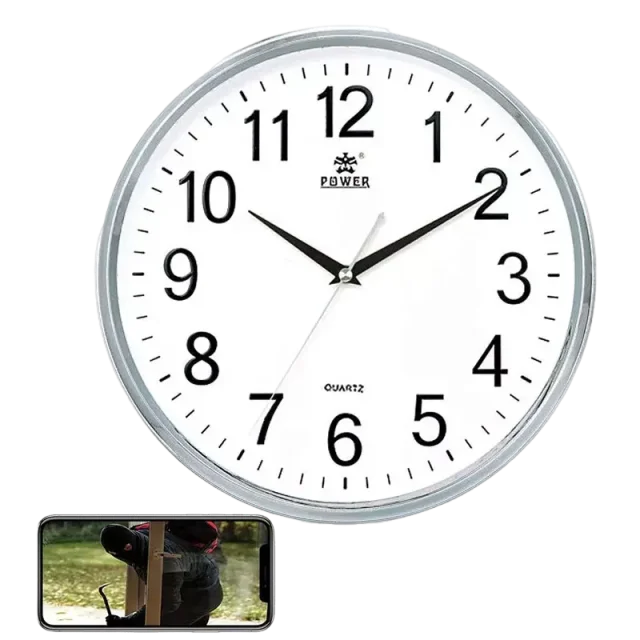
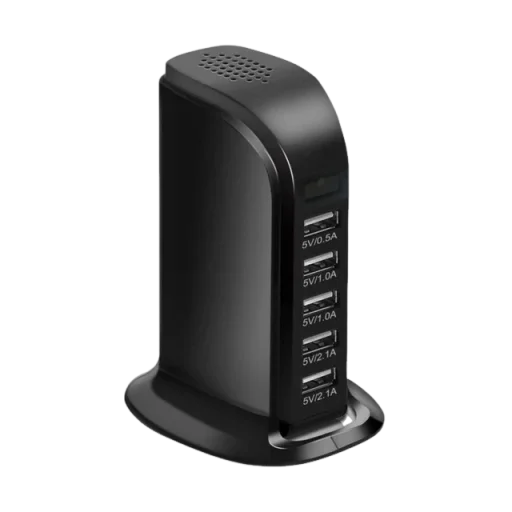
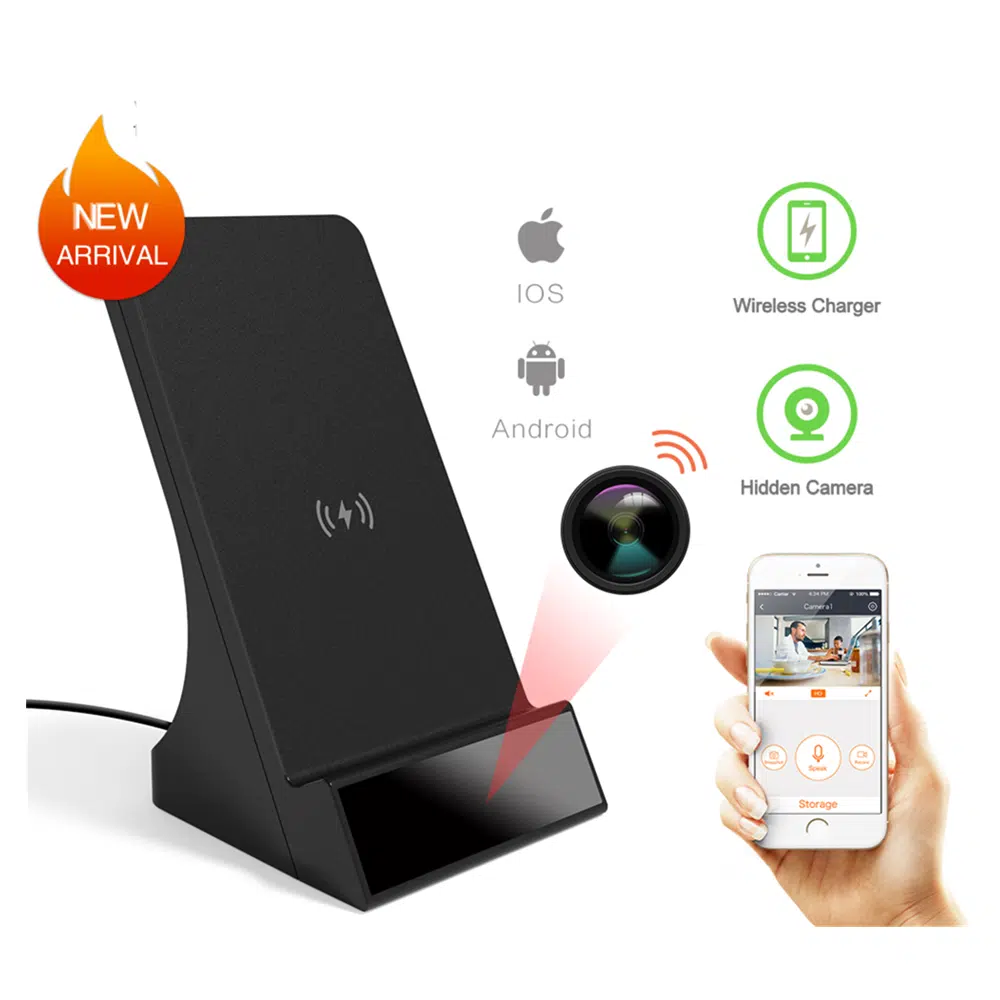
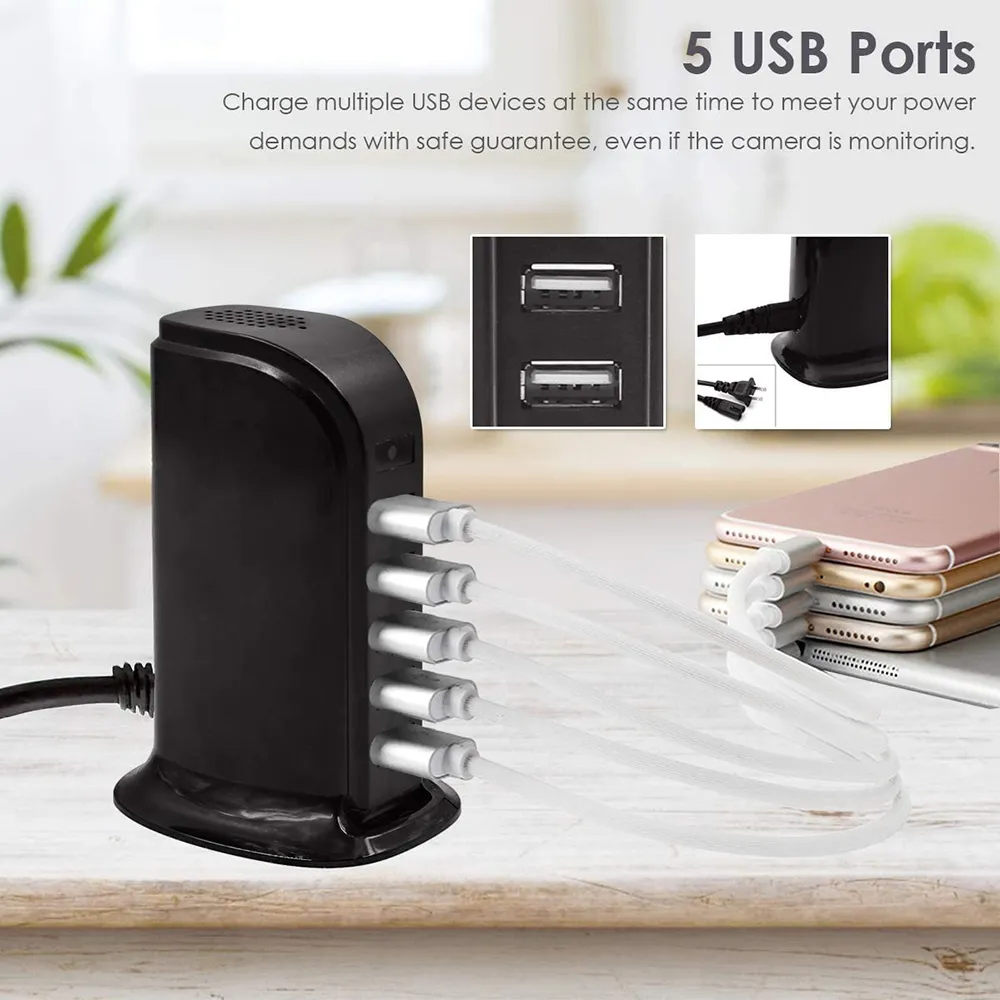
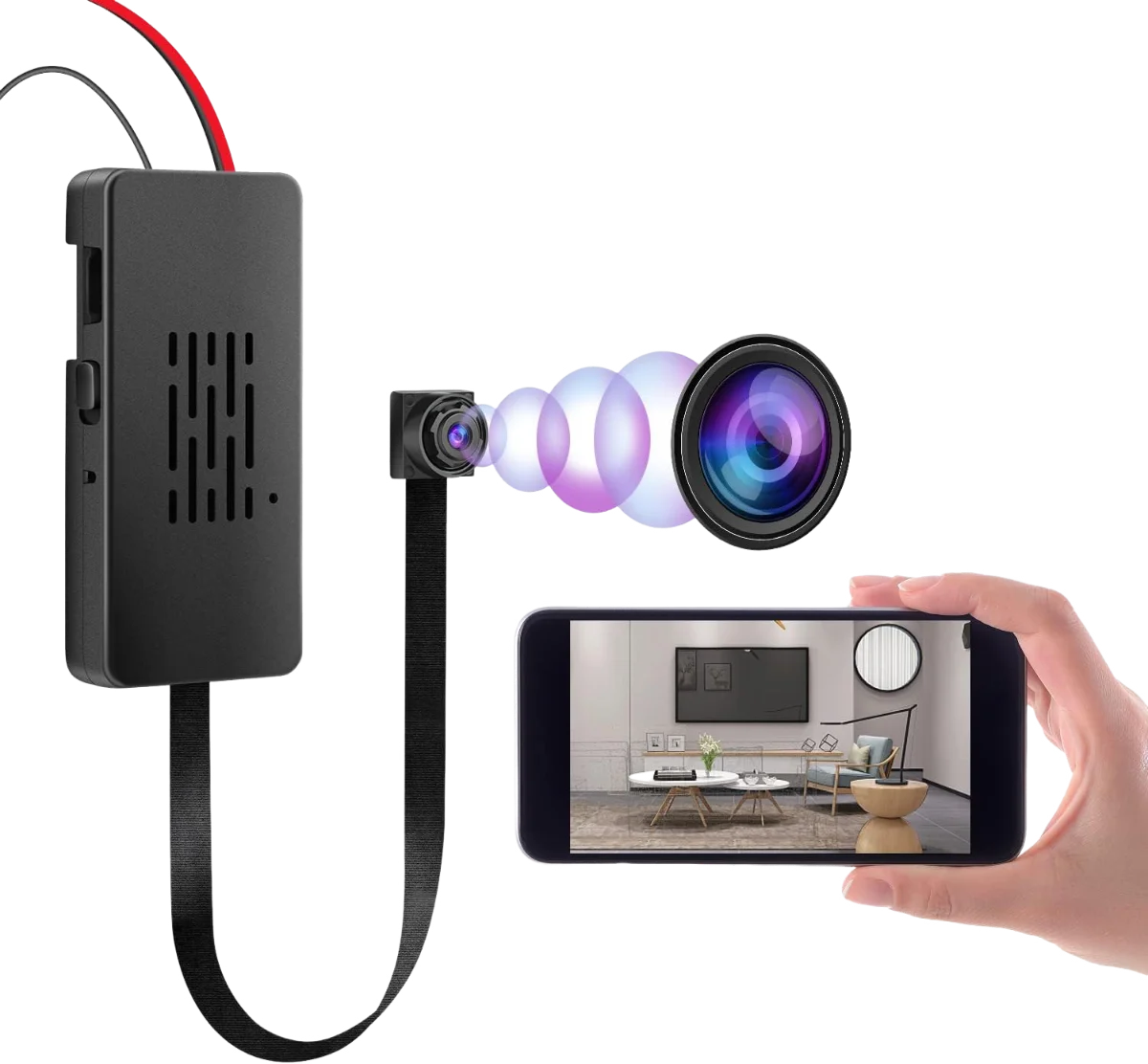
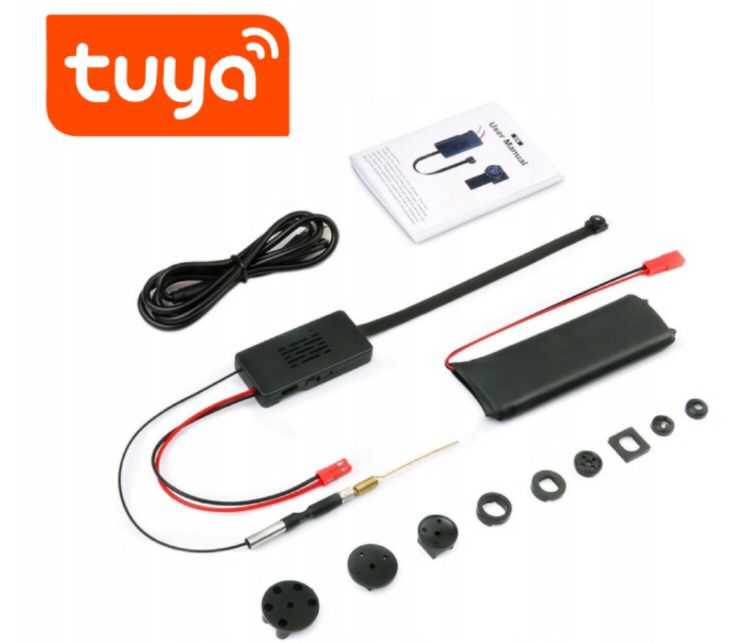
Choose the physical format around a suitable position for the lens. A table clock or tissue box suits a fixed surface, while a small module needs a mounting arrangement. The current selection also includes a charger-style device: the Wireless Mobile Charger Camera has its own product page with connection and recording information. Use that page to compare features rather than assuming all wireless models work in the same way.
A wireless connection describes data transfer; it does not necessarily mean the camera runs without a power cable. Check whether the chosen model uses a rechargeable battery, continuous external power or both. Also distinguish standby time from actual recording time when reading specifications. Plan access to the charging connection and leave room to position the lens correctly, rather than choosing a format solely because it resembles an everyday object.
Network compatibility also needs a model-specific check. Read the WiFi band, setup procedure and app requirements shown on the product page or in the supplied instructions. Do not assume a camera will connect to every router, workplace network or phone. When remote viewing matters, confirm what requires internet access and what happens when that connection stops. Ask about any unclear setup requirement before placing an order.
WiFi and hidden describe different characteristics. WiFi refers to a connection feature; hidden refers to the camera's physical format. A clock camera can fit both descriptions, while another discreet camera may record locally without WiFi. For a wider choice of housings, browse hidden cameras, then check the connectivity of each model. A familiar-looking housing alone does not establish remote viewing, night vision or audio capability.
Storage deserves a separate comparison. Check the supported memory-card type and capacity, whether a card is included, and how recordings are retrieved. Where a model offers loop recording or motion-triggered recording, read its operating instructions before relying on those modes. Confirm any app charges or account requirements with the seller; do not infer a cloud-storage subscription, free service or backup system from the presence of WiFi.
Use a short trial recording to check the actual view from the planned position. Review the resulting video rather than judging the lens angle from the casing. Then test the viewing method you intend to use, including playback of a saved recording. This practical check can reveal a blocked view, an unsuitable power position or a setup detail that was easy to miss when comparing product photographs.
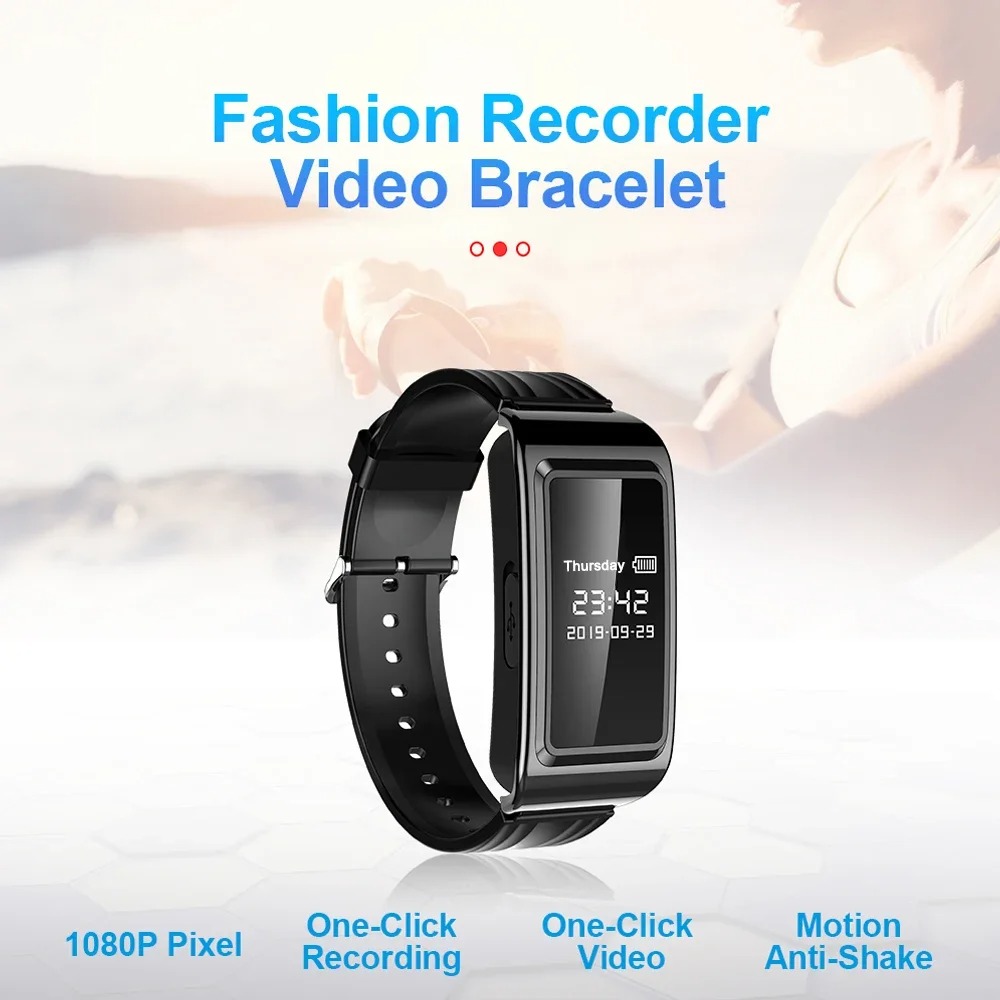
For a camera carried on the body, compare the separate wearable cameras selection. A wearable format and a fixed WiFi camera serve different viewing needs. Whichever format you choose, establish where recording is permitted and whether people need to be informed. Audio can have separate requirements. The ability to record a space does not itself establish permission to record it.
That depends on the model and the feature you want to use. Local recording and remote viewing are separate functions. Check the product's instructions for recording without a network, viewing over a local connection and viewing from another location. Do not assume all three are supported.
No. A wireless network connection and a battery power supply are different features. Check the chosen model's power requirements and charging instructions. A camera may still need external power even when its video connection uses WiFi.
Check the individual model's app-control and viewing features, supported phone systems and setup instructions. Remote viewing may require a working network and internet connection. Confirm the app and any account requirements before buying if phone access is essential.
No category-wide specification should be assumed. Compare the model's listed night-vision and audio features separately from its WiFi connection. Ask for clarification if the product information does not explain a feature you need.
Choose a format that fits the intended position, power access and viewing angle, then compare its recording and connectivity features. Product dimensions and setup instructions matter more than the housing's appearance alone. Test the view before relying on a recording.