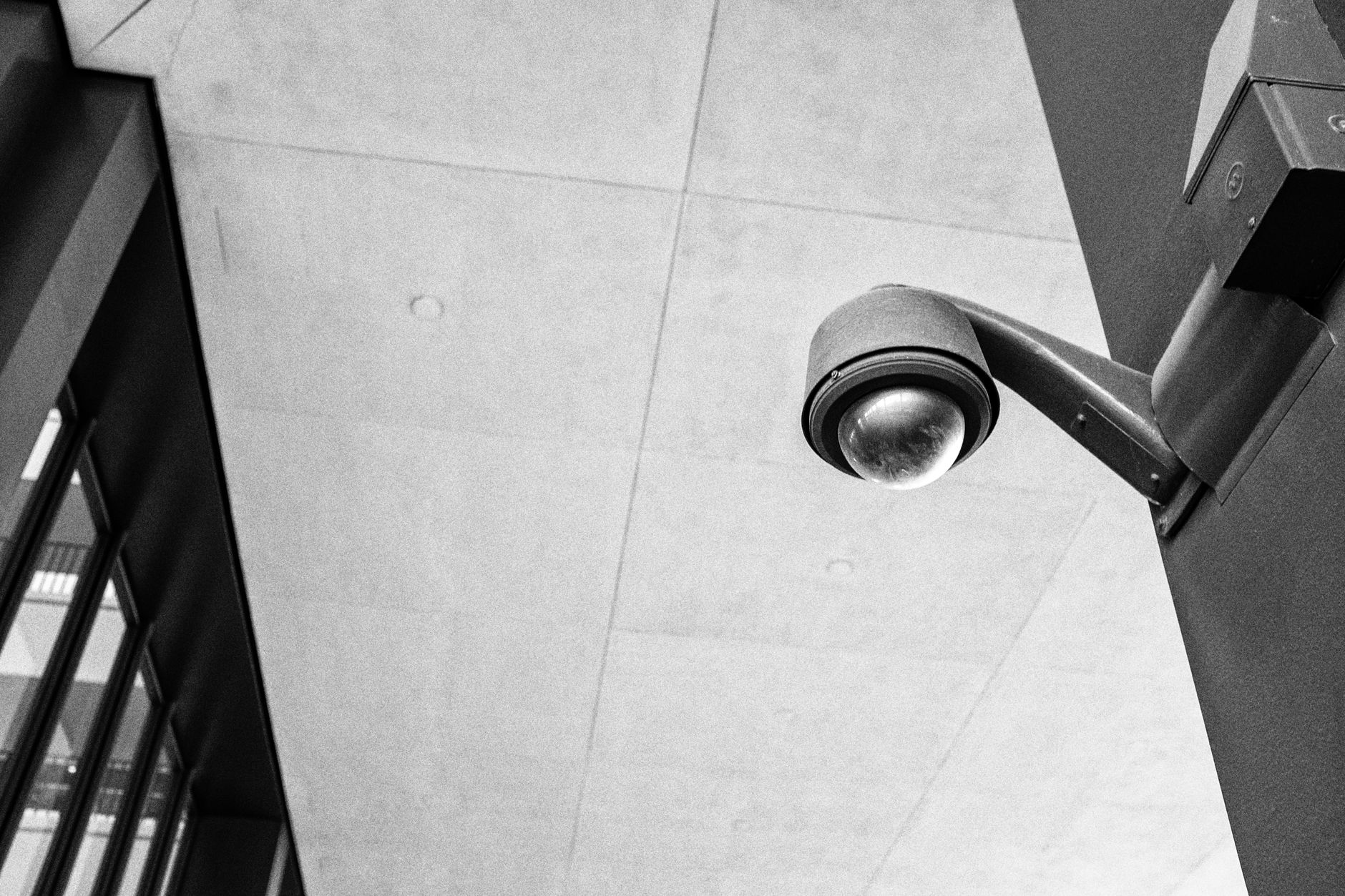
How Does Motion Detection Work on a Hidden Camera?
Motion detection on a hidden camera works by continuously comparing successive image frames captured by the sensor — when enough pixels change between frames, the camera registers movement and begins recording or sends an alert. This pixel-difference method means the camera does not need to stay recording all the time; it wakes up only when something actually moves in its field of view, dramatically extending battery life and making footage review far faster.
How Pixel-Difference Motion Detection Actually Works
Most consumer-grade hidden cameras use a software-based approach called frame differencing. The image sensor captures frames at a set interval — for example, five frames per second while in standby mode. The processor compares each incoming frame against the previous one, counting how many pixels have changed brightness or colour beyond a threshold value.
When the count of changed pixels exceeds a configurable sensitivity threshold, the camera classifies that event as motion and triggers the recording pipeline. The entire detection cycle typically completes in under half a second, so the first frames of a real event are almost never missed.
Some higher-specification models add a secondary layer: a passive infrared (PIR) sensor mounted alongside the camera lens. PIR sensors detect heat signatures rather than visible light changes, which means they are far less prone to false triggers from lighting shifts, shadows, or screen flicker. Dual-trigger cameras require both the PIR sensor and the pixel-difference algorithm to agree before recording begins, which keeps false-alarm footage to a minimum.
Sensitivity Settings and Why They Matter
Sensitivity controls how large the pixel-change count must be before the camera declares a motion event. Most cameras offer three to five preset levels, and some allow a custom numeric threshold.
- High sensitivity — triggers on subtle movement: a curtain swaying, an insect crossing the lens, or a distant person at the edge of frame. Useful when you need to capture every possible event but produces a high volume of short clips.
- Medium sensitivity — the practical default for most indoor monitoring scenarios. A walking person reliably triggers recording; stationary objects, minor lighting flicker, and small insects generally do not.
- Low sensitivity — only large, close-range movement triggers the camera. Appropriate in busy outdoor environments or locations where wind-blown foliage would otherwise cause constant false recordings.
Getting sensitivity right for a specific environment usually requires a brief test period. Place the camera, run it for a day on a given setting, review the clips, and adjust up or down based on how many events were genuine versus accidental.
Alert Delivery: How You Get Notified
Once motion is confirmed, the camera can respond in several ways depending on its connectivity and storage architecture:
Local storage only — the clip is saved to a microSD card or internal flash memory. There are no real-time notifications; you review footage after the fact by removing the card or connecting via USB. This approach is entirely offline and leaves no network footprint.
Wi-Fi with push notifications — the camera connects to a local network and sends an alert (often including a thumbnail or short clip preview) to a paired smartphone app. Alert latency is typically two to eight seconds from motion trigger to notification arrival, depending on upload speed and server processing time. A power bank hidden camera with built-in Wi-Fi and a large-capacity battery is well suited to this mode because it can sustain extended standby time without being tethered to a wall outlet.
Cloud upload — clips are automatically uploaded to a remote storage service. This protects footage even if the device is moved or removed, and allows access from anywhere. The trade-off is ongoing subscription costs and dependency on a stable internet connection.
Battery Life: Motion-Triggered vs Continuous Recording
Continuous recording is the single biggest drain on a hidden camera's battery. A device recording at 1080p around the clock may exhaust a 5,000 mAh battery in as little as three to five hours, making it impractical without a permanent power source.
Motion-activated recording changes the equation substantially:
| Recording Mode | Approximate Battery Drain | Practical Standby Hours (5,000 mAh) |
|---|---|---|
| Continuous 1080p | Very high | 3–6 hours |
| Motion-triggered, busy environment (30 events/hour) | Moderate | 12–20 hours |
| Motion-triggered, quiet environment (5 events/hour) | Low | 40–72 hours |
The numbers vary with resolution, Wi-Fi transmit load, clip length, and ambient temperature, but the principle is consistent: each recording event consumes a discrete burst of energy, while standby mode draws only a trickle to power the sensor and compare frames.
This is why motion detection is not merely a convenience feature — for battery-powered hidden cameras, it is the mechanism that makes multi-day deployments viable at all.
Common Causes of False Triggers and How to Reduce Them
Understanding what fools a motion detector helps you position the camera for cleaner results:
- Direct sunlight or cloud shadow — rapid lighting changes across a wide area register as mass pixel shift. Position the camera away from windows or use a model with PIR hardware assist.
- Air conditioning vents or fans — air movement near lightweight objects (papers, fabric) creates repetitive low-level motion. Secure loose objects in the camera's field of view.
- Pets — animals reliably trigger standard frame-differencing cameras. If pet movement is not relevant to your monitoring goal, raise sensitivity to low or reposition the lens to cover above pet height.
- Screen flicker — televisions and monitors cycle brightness rapidly enough to register as motion on high-sensitivity settings. Aim the camera away from active screens or reduce sensitivity.
FAQ
Does a hidden camera need Wi-Fi for motion detection to work? No. Motion detection is processed entirely within the camera's own chip. Wi-Fi is only needed if you want real-time push notifications or cloud backup. A camera operating in offline mode can detect motion and save clips to local storage without any network connection.
Can motion detection be fooled by slow movement? Theoretically yes — if someone moves slowly enough that fewer pixels change per frame comparison, the delta may stay below the threshold. In practice, normal human walking pace at typical indoor distances produces ample pixel change to trigger even low-sensitivity settings reliably.
How long do motion-triggered clips typically run? Most cameras record a clip of a fixed duration after motion is detected — commonly 15, 30, or 60 seconds — then return to standby. Some models support continuous extension: if motion persists when the clip timer expires, recording continues rather than stopping and restarting. Check the camera's firmware options for this setting.